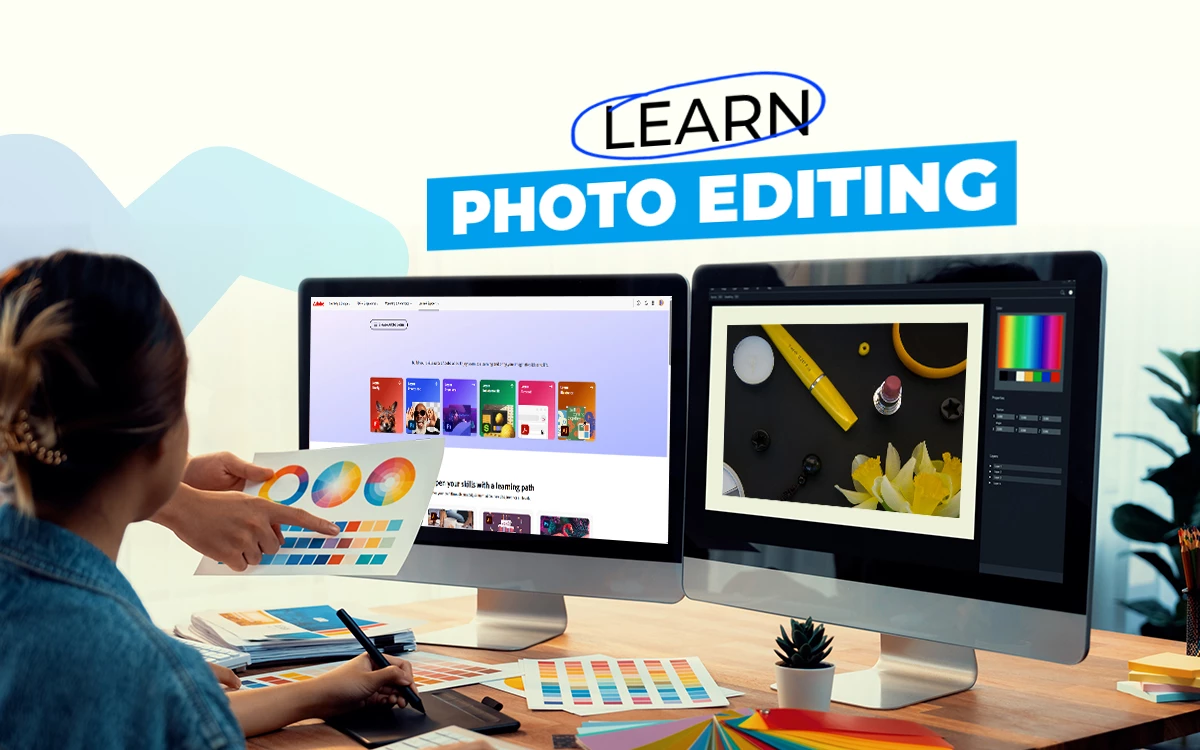
The best way to learn photo editing is through firsthand experience, directly from experienced image editors, through photo editing courses. Image editing courses, techniques, tips, insight, and trends from expert image editors. To learn or upgrade your editing skills, check popular photo processing courses such as Adobe Learn, Alison, Udemy, Phlearn, and Retouching Academy, available for free, paid, and both.
What you’ll learn in this article
- 1 Is a Photo Editing Course Worth it for Photographers?
- 2 Why Should You Take a Photo Editing Course?
- 3 What are the Best Photo Editing Courses?
- 4 How to Choose the Right Photo Editing Course?
- 5 How Long Does it Take to Complete a Photo Editing Course?
- 6 FAQ’s
- 6.1 Do i need any experience before joining a photo editing course?
- 6.2 Are there any free photo editing courses available online?
- 6.3 Does a photo editing course cover Photoshop and Lightroom?
- 6.4 Which photo editing course is best for learning Photoshop?
- 6.5 Can i get a certificate from an online photo editing course?
Is a Photo Editing Course Worth it for Photographers?
Yes, a photo editing course is worth it for a photographer as it allows them to stick to their individual style, image quality, and intended output. Each photographer has a distinct photography style. Learning editing techniques such as retouching, color correction, and shadow creation through those courses allows them to develop their distinctive style while fulfilling the image requirements.
Photo editing courses won’t be worth it for photographers when they are handling multiple clients, mastering photography techniques matters more than editing to capture clients from diverse niches. They can hire professional photo editing services to fulfil their specific editing requirements and use the time to build rapport with customers. Also, collaborating with professional image editors guarantees that they get commercial-standard images.
What’s the Difference Between a Basic and an Advanced Photo Editing Course?
The key differences between a basic and an advanced photo editing course are the content that the learners require to upgrade their skills. Beginners and new learners learn the ABC of editing, whereas advanced learners take learning to serve both local and global clients.
Other differences between basic and advanced image editing courses are as follows.
| Topic | Basic Photo Editing Course | Advanced Photo Editing Course |
|---|---|---|
| Skill Level | Beginners | Knowledgeable to well-versed |
| Learning Style | Step-by-step basics | Project-based, real-world focused |
| Editing Focus | Crop, exposure, white balance | Software-specific in-depth mastery |
| RAW Photo Processing | Lightly introduced | Full workflow, profiles, color calibration, etc |
| Workflow | Includes simple editing | Covers professional workflows, presets, and batch editing |
| Output | Personal uses, social media uses, etc | Commercial, client-ready, printing-level results |
| Users | Hobbyists, beginners, casual editors | Individual freelancers, photography studios, photographers, and commercial editors |
What’s the Difference Between a Photo Editing Course and a Retouching Course?
The difference between a photo editing course and a retouching course is their level of changes inside a photo. Editing is the primary task that covers all types of transformation, including retouching that happens in a photo. Retouching is a specialized task that focuses only on enhancing images that are used for buying intent creation.
Other differences between a photo editing course and a photo retouching course are as follows.
| Topic | Photo Editing Course | Photo Retouching Course |
|---|---|---|
| Purpose | Improve overall image quality | Creating visuals with fine details and finishing |
| Applied techniques | Cropping, color correction, tonal balance, etc | Dodge & burn, frequency separation, image cleaning, etc |
| Complexity | Beginner to intermediate | Intermediate to expert |
| Prior experience | Experience isn’t necessary | Basic editing knowledge is required |
| Output | Natural enhancement | Flawless, polished, high-end finish |
| Users | New photographers, content creators | Professional retouchers, product photographers |
Why Should You Take a Photo Editing Course?
Take a photo editing course as part of your skill development process to build a strong foundation for creating professional-grade images. Courses involve professional video editors, structured guidelines, insightful tips, and informative suggestions on different editing techniques such as retouching, color correction, exposure control, RAW image processing, creative editing effects, etc.
By enrolling in image processing courses, you get involved in industry standards and latest trends, and techniques along with the fundamentals. They accelerate your learning by boosting confidence and efficiency, eliminating guesswork, and helping you produce consistent and high-impact visuals.
How Does a Photo Editing Course Help Freelancers and E-commerce Editors?
Image editing courses help freelancers, e-commerce editors, or other self-motivated learners by guiding them in their learning, developing skills, and using software-based applications. The time, money, and resources to watch a course are the investment to make the learner a better-skilled version of themselves.
Experienced and knowledgeable image editors offer courses that feature photo editing software, how to use different editing tools, application of photo editing effects, and other editing techniques, instructions, knowledge, materials, and assignments learners can upgrade their skills to create high-volume, marketplace-ready visuals for Amazon, Shopify, Etsy, etc. It adds value to their portfolio to share and attract more clients in the competitive marketplace.
How Does a Photo Editing Course Improve Your Editing Workflow?
A photo editing course improves your workflow systematically, shaping your learning process, transforming your knowledge, and working style more fitting to the commercial images. Your workflow becomes cleaner, faster, and organized as you learn the methodology from an expert through enrolling in a course.
There are specific sectors in your learning and working that image processing courses silently develop. Some of those are as follows.
- Adapting a clear and repeatable workflow and removing guessing.
- Streamlining the RAW-to-final image process towards bulk orders with consistency.
- Learning to use presets, actions, and automated tools for time efficiency in editing.
- Performing non-destructive editing with confidence.
- Applying batch processing naturally for uniform adjustments.
- Making more professional-grade output and fewer mistakes.
- Ensuring accurate exporting for web, social, e-commerce platforms, or printing.
- Having organized files, folders, color profiles, version controls, etc.
- Producing clear, crisp, and client-driving visuals that match commercial photography and online marketplaces.
What are the Best Photo Editing Courses?
The best photo editing courses are those that fulfill learners’ requirements for specific tasks, software, or applications in the projects. Those courses are mostly findable in the photo editing software’s resources, e-learning platforms, or professional photo editors online. Here is a list of the best courses for learning image processing.
| Course Type | Platform | Best for |
|---|---|---|
| Task-based learning | Adobe Learn | Step-by-step projects learning using Photoshop & Lightroom |
| Udemy | Beginners to advanced learners with practical tutorials | |
| Class Central | Task-based photo editing courses from multiple institutions | |
| Phlearn | Learning effects & retouching techniques in Photoshop and Lightroom | |
| Software-based learning | Iphotography | For new learners to grasp Photoshop and Lightroom |
| On1 Photo Editing Classes | Learning ON1 ecosystem | |
| Free courses | GCF Global | New users for simple, step-by-step editing tutorials |
| Alison | Gathering fundamentals on editing and digital imaging | |
| Cursa | Beginner-friendly and offers free photo editing lessons | |
| Specialized courses | Retouching Academy | Advanced level, high-end portrait, skin, and beauty retouching |
| iPhone Photography School | Learning Lightroom Mobile & Snapseed | |
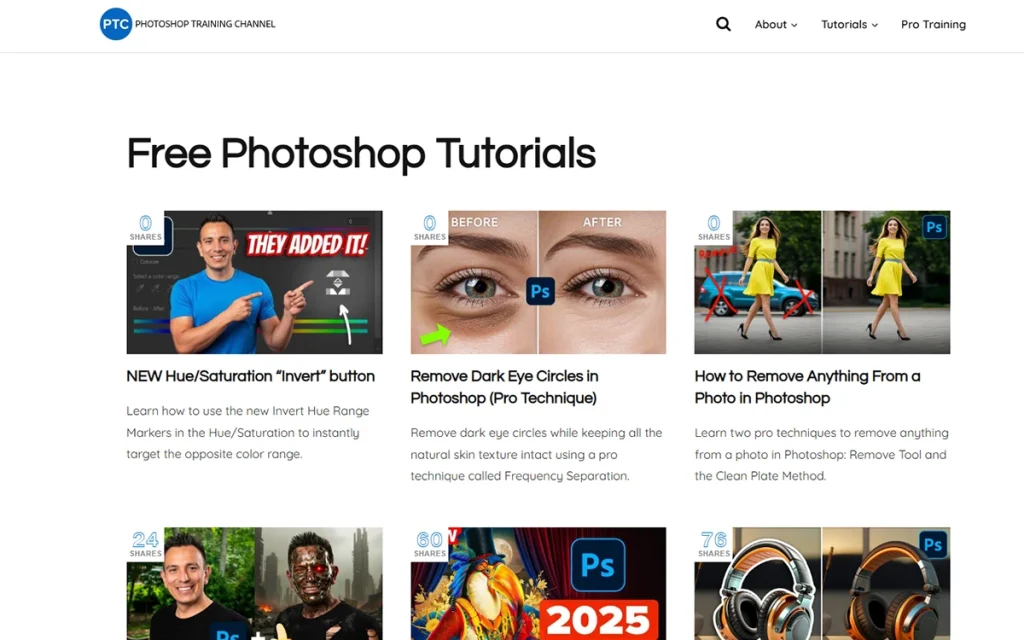
| Career-oriented courses | Photoshop Training Channel | Real-world and commercial-level editing workflows |
1. Adobe Learn
Pricing: Free
Time Duration: Each lesson is around 15 minutes a whole course takes around 4 to 6 hours.
Adobe Learn offers beginner-friendly course materials with step-by-step tasks. As a learner, you can promptly build real editing skills. Each lesson focuses on practical workflows of Photoshop and Lightroom. From fixing images, enhancing color, to retouching portraits, and mastering everyday editing tasks, image processing becomes easier as you learn using industry-standard tools—all at your own pace.

Key Features
- Beginner-friendly tutorials designed by Adobe experts
- Structured learning paths for progressive skill development
- Covers Photoshop, Lightroom, Camera Raw, and essential tools
- Short, actionable lessons that build real-world editing skills
- Includes downloadable practice files and materials for hands-on learning
2. Udemy
Pricing: Prices range from $15–$120+
Time Duration: Range from 3 to 20 hours.
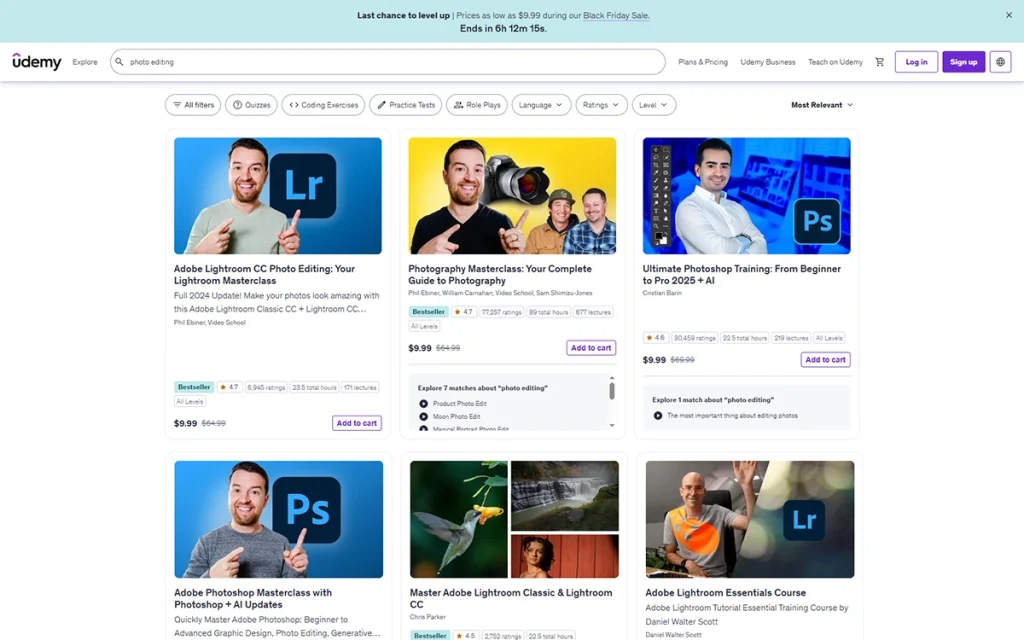
Udemy has the largest collection of photo editing courses anything you need to develop editing skills. It covers Photoshop, Lightroom, Capture One, mobile editing, and advanced retouching. The platform is quite reputable for affordable, self-paced training with lifetime access, downloadable materials, and certificate options for the learners.
Key Features
- A large library of editing courses for all skill levels
- Lifetime access to videos and downloadable files
- Certificate of completion for every paid course
- Affordable prices with frequent discounts
- Courses available in multiple languages
3. Class Central
Pricing: Both free and paid
Time Duration: 4 hours to 20 hours.
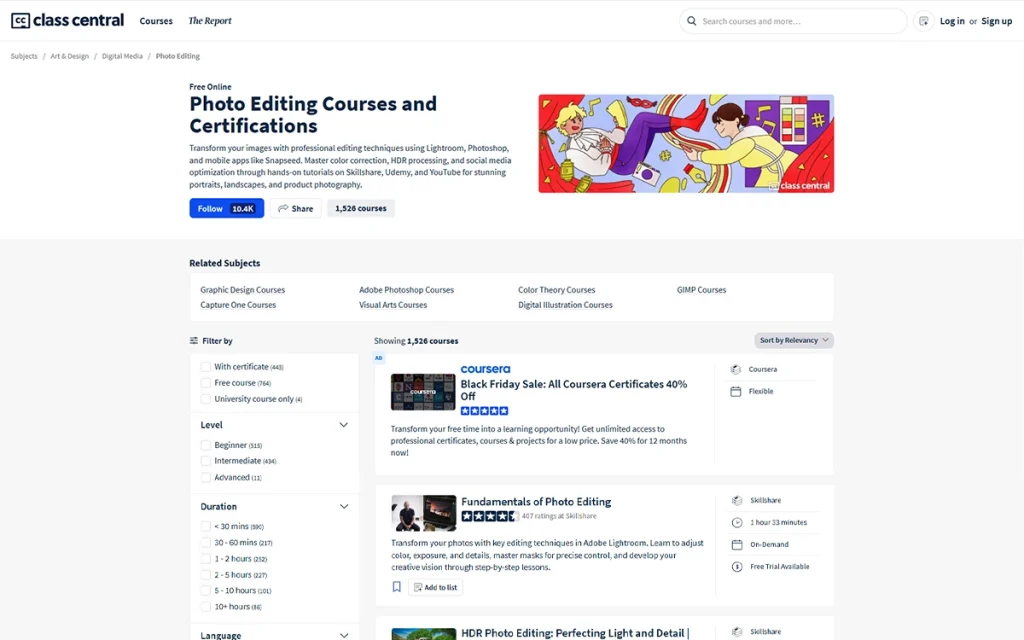
Class Central is a hub of courses from diverse platforms. It aggregates the best photo editing courses across the internet to make the learning process unified. Learners can sort by free, paid, beginner-friendly, or advanced classes and read verified student reviews. It’s a time-saving option as you have access to reputable courses without browsing multiple platforms.
Key Features
- Curated list of top photo editing courses from multiple platforms
- Filters for free, paid, beginner, advanced, or university courses
- Verified student reviews for easier decision-making
- Includes ratings, course summaries, and platform comparisons
- Centralizes all course options in one place
4. Phlearn
Pricing: Both free and premium. Paid Phlearn Pro membership costs $12.99/month or $99/year.
Time Duration: 5 to 15 minutes, premium courses take 1–10 hours.
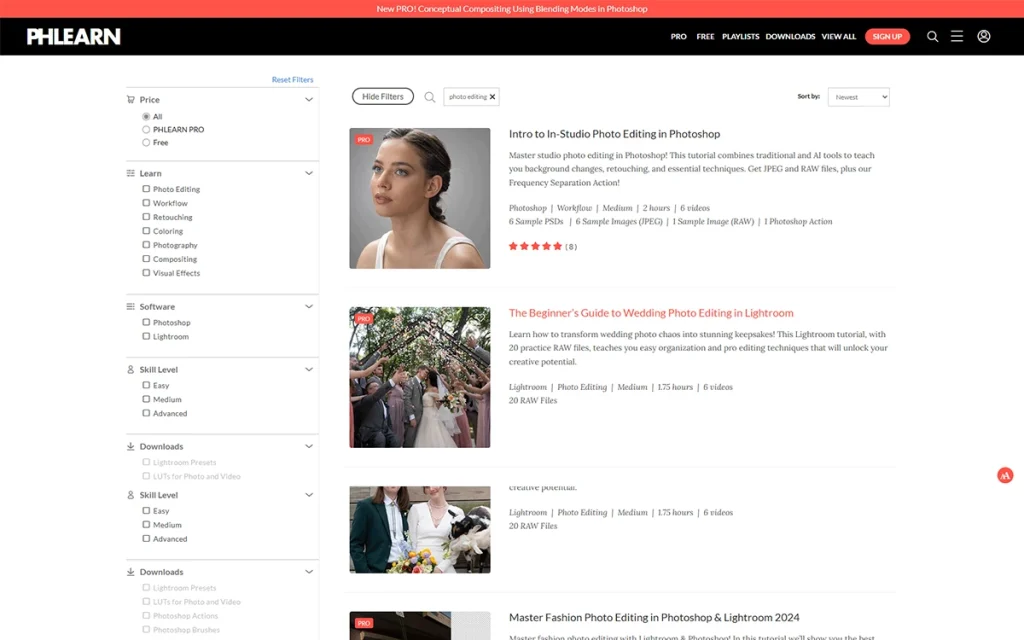
Phlearn is one of the trusted learning platforms for image processing. Its creative Photoshop and Lightroom training are high-quality, practical, and beginner-friendly. You can master real-world editing, compositing, and color grading with clarity.
Key Features
- Instructor-led lessons with project files
- Industry-recognized Photoshop & Lightroom training
- Hundreds of free tutorials + premium PRO library
- Covers retouching, compositing, color grading & effects
- Beginner-friendly explanations with advanced-level depth
5. Iphotography
Pricing: Paid, photo editing course $99, Photoshop course $129
Time Duration: 5 to 15 hours with self-paced learning
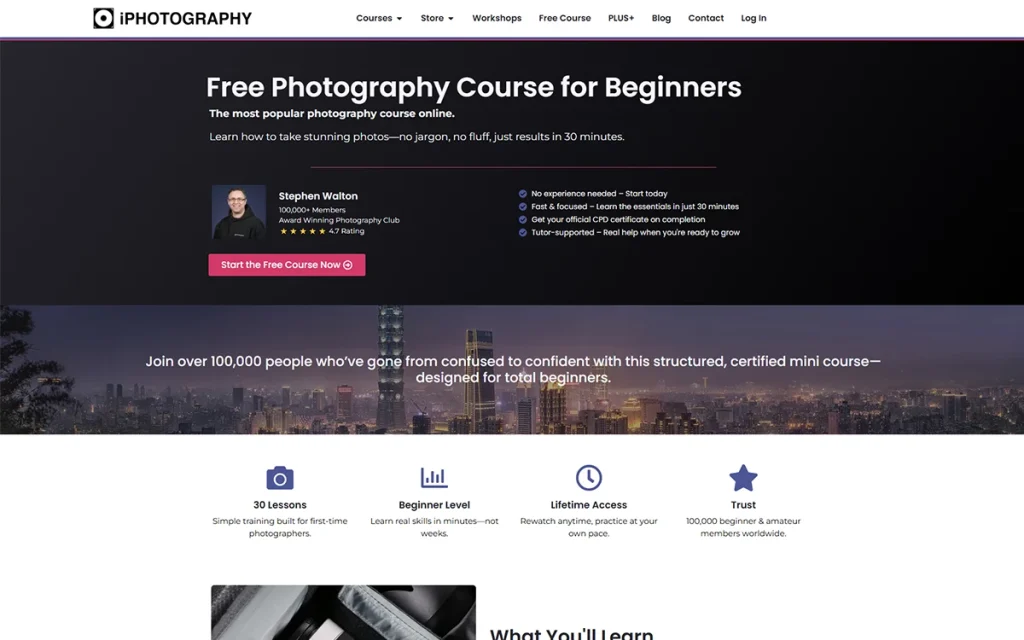
iPhotography offers structured, beginner-friendly editing courses covering Photoshop, Lightroom, and core retouching tools. Covered lessons focus on hands-on skill-building through assignments, feedback, and interactive learning. It’s a good option for learners looking for guided practice and a certificate upon completion.
Key Features
- Beginner-focused, step-by-step lessons
- Interactive quizzes and image assignments
- Covers Photoshop, Lightroom & essential editing skills
- Tutor support and constructive feedback
- Certificate included with course completion
6. On1 Photo Editing Classes
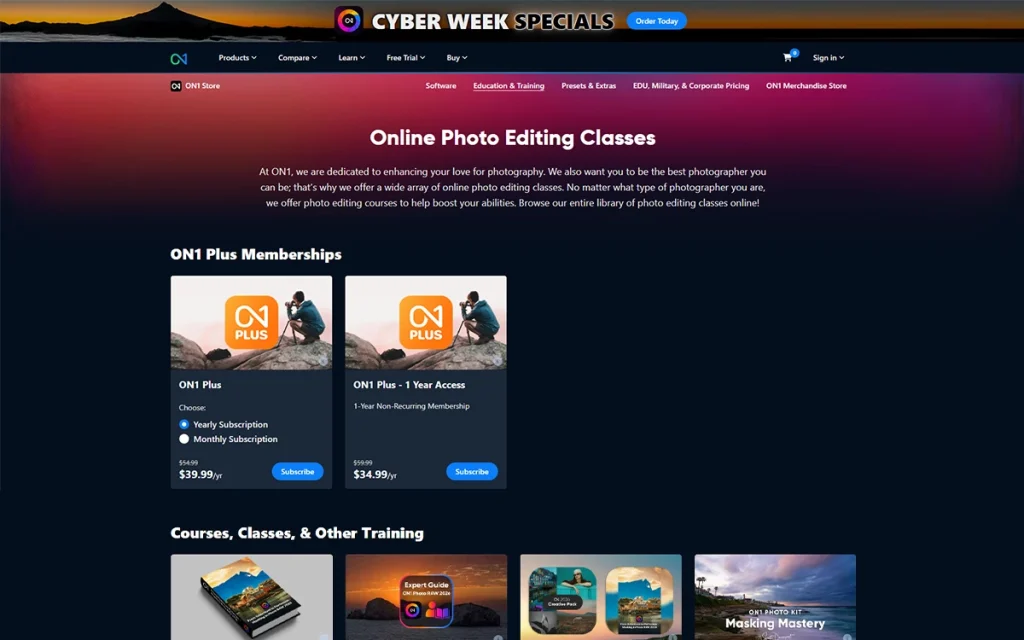
Pricing: Free and premium. ON1 Plus Membership $7.99/month or $64.99/year.
Time Duration: 1 to 12 hours
ON1 Photo Editing Classes solely focus on empowering ON1 users through editing workflow with a high-performance alternative to Lightroom. Its courses cover the application of software features and ways to create an efficient workflow through modern, software-specific learning.
Key Features
- Deep training for ON1 Photo RAW users
- Workflow-focused lessons for landscape & portrait editing
- Free tutorials + premium long-form courses
- Includes practice files and presets
- Affordable membership for full library access
7. GCF Global
Pricing: Free
Time Duration: From 5 minutes for short lessons to 2 hours for long lessons.
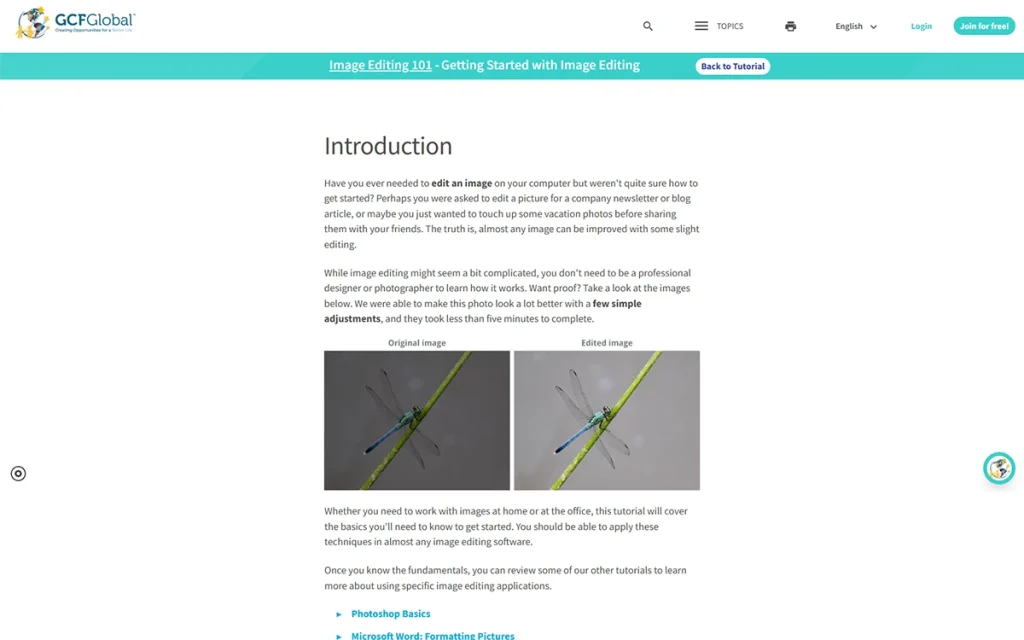
GCF Global offers free, beginner-friendly lessons that introduce the basics of photo editing. It focuses mostly on fundamental development for image post-processing among the learners. Those who want simple, clear explanations before moving into complex software, GCF Global is a good starting point.
Key Features
- Very beginner-friendly explanations
- Short, easy-to-follow lesson format
- Covers essential editing principles
- Creates a base learning for advanced software training
8. Alison
Pricing: The Course is free. Certification requires a premium upgrade of around $20 to $30.
Time Duration: 1 to 3 hours.
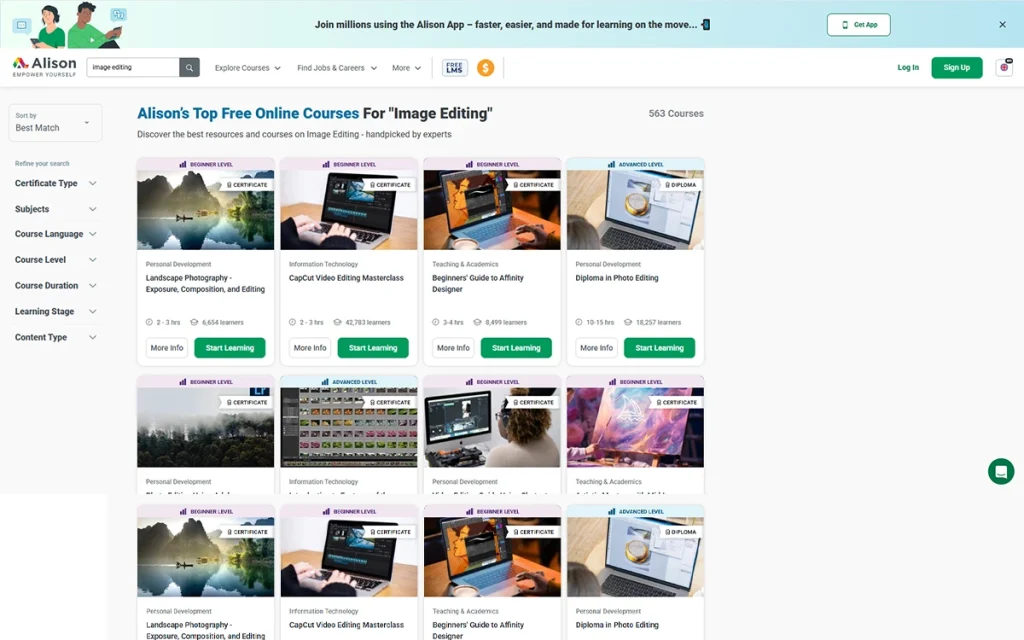
Alison is a free of cost beginner-friendly learning platform you can access plenty of image editing courses on Photoshop basics, digital image fundamentals, color correction, and essential tools. The platform offers simple, structured learning materials and pacing before learners can move to advanced training.
Key Features
- Beginner-focused structure
- Covers Photoshop essentials & editing fundamentals
- Optional certification available
- Short, easy-to-complete courses
9. Cursa
Pricing: Courses are free. Some certifications require paid subscriptions
Time Duration: 2 to 10 hours
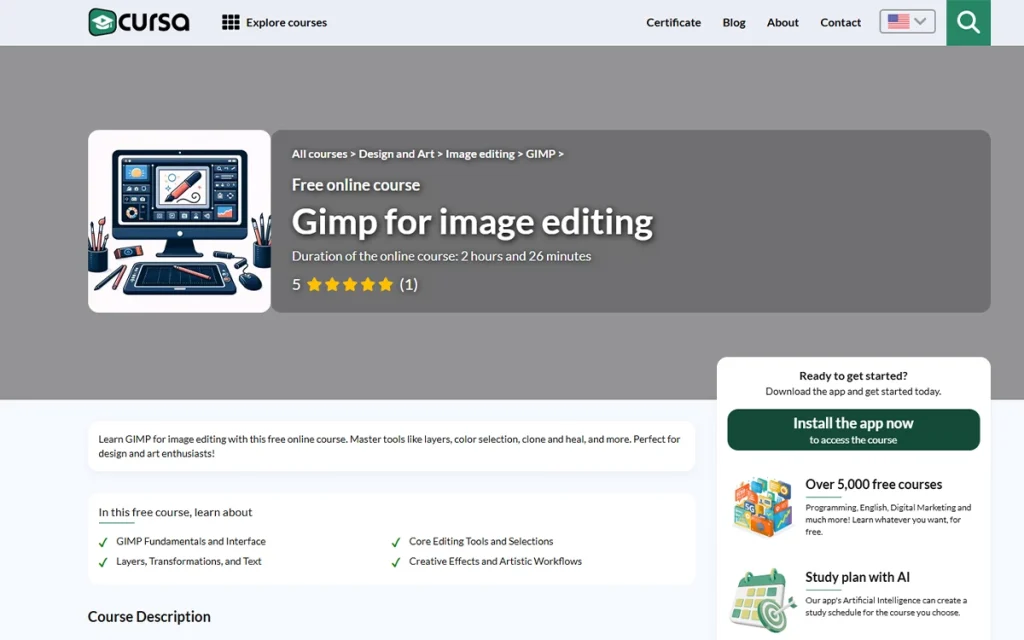
Cursa provides free video-based courses for an easy introduction to Photoshop, Lightroom, and mobile editing apps. The video materials are simple to understand, and users from different nations can access them. If you’re seeking free entry-level training with flexible pacing, Cursa is your go-to platform. However, for certifications, you need to purchase.
Key Features
- Free of cost courses with optional certificates
- Beginner-friendly and multi-language availability
- Photoshop, Lightroom & mobile editing
- App-based & web-based learning
10. Retouching Academy
Pricing: Premium, pricing starts around $75.
Time Duration: 5 to 20 hours
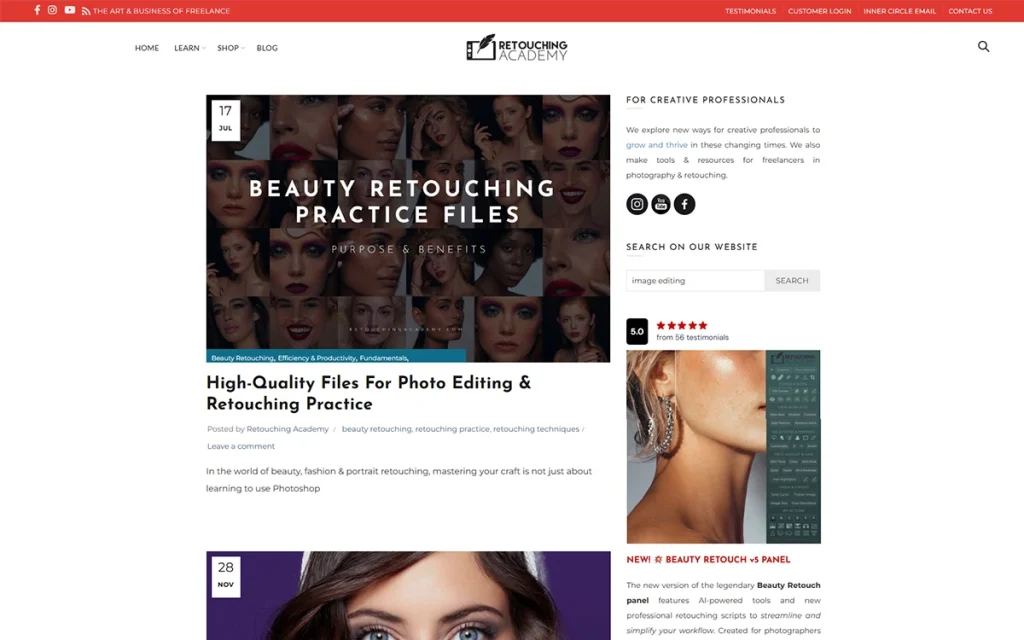
Retouching Academy is one of the most advanced and industry-recognized platforms offering high-end beauty, portrait, and commercial retouching. Professional retouchers and designers share their knowledge, allowing you to learn firsthand. At the end of the course, you can expect to develop magazine-quality results through Photoshop techniques and workflow optimization.
Key Features
- Industry-expert retouchers offered courses
- Intensive learning on high-end & commercial retouching
- Professional-grade Photoshop techniques
- Includes actions, tools & workflow systems
11. iPhone Photography School
Pricing: Paid courses, the price starts around $90
Time Duration: 3 to 8 hours
iPhone Photography School offers training solely on iPhone apps like Lightroom Mobile, Snapseed, and native iOS editing tools. With practical courses, a step-by-step guide for different editing techniques, and enhancing color, detail, and composition, you can practice and apply directly on mobile devices.

Key Features
- Focused on mobile editing & iPhone workflows
- Covers Lightroom Mobile, Snapseed & native apps
- Clear step-by-step training and real examples
- High-quality video production
- Lifetime access to purchased courses
12. Photoshop Training Channel
Pricing: Free courses are available on YouTube. Paid courses start around $95
Time Duration: 5 minutes to 12 hours.
The Photoshop Training Channel is a reputable and respected free resource for mastering Photoshop. You get clean, practical, and real workflow-focused tutorials. Free courses are on-point, and premium courses offer deeper, project-based learning for advanced users.
Key Features
- Taught by an Adobe-recognized expert
- High-quality free Photoshop tutorials
- Covers retouching, compositing, effects & workflow tips
- Ideal for self-paced, practical learning
How to Choose the Right Photo Editing Course?
Choose the right photo editing course by assessing yourself to define the right editing course, starting with free and low-cost resources, engaging with the community for feedback and peer reviews, searching online for recommended courses, and learning the course format if it matches your goals.
- Assess yourself to define the right editing course
Make a list of your learning levels: what do you need- fundamental learning, upgrading to the professional level, or grasping the advanced techniques to provide services? Consider your learning styles and purpose. It will help you define the right courses to assist your future.
- Get started with free and low-cost resources
Familiarize yourself with the online available free and cost-effective resources, such as YouTube channels, software-provided free tutorials, community-offered materials, etc. These learnings will clarify the basis for you before investing money.
- Engage with the community for feedback and peer reviews
Take part in a community where you will meet different levels of professional editors, their learning journey, course recommendations, platforms’ advantages and disadvantages, and feedback.
- Search online for the recommended course
Use Google search to find courses, their structure, instructor background and credentials, software coverage, practical work, etc. Check those courses manually if they provide downloadable assets, mock-project briefs, and most importantly, certifications.
- Learn the course format if it matches your goals
Decide the type of courses you want, self-paced or live. Working on live or instructor-led courses benefits you to complete certain projects within a fixed timeline, learners either find this structure disciplined or time-tight. A self-paced learning style is better for self-motivated persons.
Also, check what type of courses would best fit your requirements, a short course or a comprehensive one. It will help you shape the decision to go for free or paid versions.
- Take a different perspective into consideration
Combine multiple resources while deciding, free and paid versions, pre-recorded lessons, and instructor-led live classes, structured modules, or long-term courses, etc. Merging a hybrid method reduces risk and makes a solid foundation for the best use of your time and investment.
Are There Any Image Editing Courses for Product photography?
Yes, there are plenty of image editing courses for product photography available on video streaming platforms, e-learning platforms, and social media platforms. These courses typically cover background cleaning and adjustment, dust and scratch removal, color accuracy, shadow creation, reflective and shadow control, ghost-mannequin, etc, for Amazon, eBay, or Shopify.
Professional product photographers and photo editors share their knowledge, tips, and tricks to edit product images both in product photography and with specific software to edit images. Those video courses are mostly free, and you can get insightful knowledge by purchasing the premium ones from Udemy, Coursera, and specialized retouching academies.
How Long Does it Take to Complete a Photo Editing Course?
The completion of a photo editing course takes 4 hours to 100+ hours, and some even take a couple of months. Now, the timeline differs in the course material. Instructors wrap up the beginner-level courses within 4 to 10 hours, because this is a new and complicated subject to learn.
Medium and advanced level learners, due to passing the learning curves mostly exposed to courses that are more than 20 hours, taking weeks to months to complete. There are specialized and professional diploma courses with a gradual learning process. If you admit any such professional learning, expect the timeline to be around 2 to 6 months with certification and portfolio development.
How Much Does a Professional Photo Editing Course Cost?
A professional photo editing course costs around $30 and goes higher for the course materials, topics, and curriculum depth, platforms, and instructors’ expertise. There are plenty of free courses, but paid courses allow more structured and insightful modules, addressing learners’ subtle difficulties during the learning and providing better career values.
| Learners Level | Course Duration | Cost |
|---|---|---|
| Beginner | 4 to 10 hours | $50 to $200 |
| Intermediate to professional | 20 to 100+ hours | $200 to $1000 |
| Certification or diploma programs | 2 months to 6 months | $1000+ |
| Live mentor-led programs | 2 weeks to 2 months | $500–$2,500 |
Chart: Learner-based photo editing course cost
FAQ’s
Do i need any experience before joining a photo editing course?
No, you don’t it’s not even a requirement to have experience to join a photo editing course. As a newbie, you can learn from scratch. But if you have experience, the understanding and learning process would be easy for you. While as a new learner it would take time, having experience would cut down that time either way, you will learn.
Are there any free photo editing courses available online?
There are plenty of free photo editing courses available on online platforms such as software’s official tutorials, YouTube, Skillshare, Coursera, or offered by different photo editors. Those courses cover both foundational to advanced-level skills. You can develop your skill by practicing those free resources, and if you take paid courses, your learning process will be more structured and goal-oriented.
Does a photo editing course cover Photoshop and Lightroom?
Yes, photo editing courses cover software-specific editing, such as Photoshop and Lightroom, along with process-specific editing, such as removing background or adding a shadow, etc. It depends on you what you want to learn, and you can find the specific tutorials in both free and premium versions.
Which photo editing course is best for learning Photoshop?
The best photo editing course for learning Photoshop is the one that Adobe Photoshop’s official page provides. As the platform offers dedicated tutorials and plenty of Photoshop experts demonstrating and teaching, it is the largest resource for learning. However, the best learning platforms differ based on the learners, and you can check YouTube or online courses.
Can i get a certificate from an online photo editing course?
Yes, you can. Most professional photo editing courses offered online award certificates of completion. Find post-production courses on Udemy, Skillshare, Coursera, LinkedIn Learning, and Domestika, like popular skill development platforms, where you will get certified at the end of the course. Those add value when you add to your portfolio.