Your photos look almost right. Not quite ready to publish. Though a background needs to go, an object needs to disappear, or two shots need to blend into one clean scene. The fastest route there today is AI.
Adobe Photoshop’s Generative Fill is the best AI for photo manipulation. It leads in full creative control, while Luminar Neo wins for photographers who want serious power without a steep learning curve, and Canva’s Magic Studio is the easiest pick if you have zero design background.
But “best” shifts depending on what you’re manipulating and how often. A creator swapping out one Instagram background has very different needs from a fashion brand editing 2,000 SKUs a month.
Below, we break down the best AI for photo manipulation in 2026. What each tool actually does well, what it costs, and the point at which even the smartest AI still hands the job back to a human editor.
What Is AI Photo Manipulation?
Editing and manipulation get used interchangeably, but they’re not the same job. Photo editing means fixing what’s already there. These can be exposure, color, contrast, or cropping.
AI photo manipulation goes further. It adds, removes, or reconstructs parts of an image. Swapping a cluttered background for a clean one, erasing a stray object, compositing two photos into one scene, or using generative fill to invent missing pixels. That’s the real dividing line separating basic photo filters from the best AI for photo manipulation platforms on the market.
Most tools in this category lean on a handful of shared building blocks. An AI image editor core for selections and masking, generative fill for inventing new pixels around an edit, and an object removal tool for cleaning up distractions. Some go further into full photo compositing, turning separate images into a single believable scene.
The 10 Best AI Photo Manipulation Tools in 2026
We cross-referenced pricing, feature sets, and independent reviews for each platform below to line up the best AI for photo manipulation. And the best AI photo editing software more broadly. For manipulation work specifically, not just color-and-crop editing. Here’s the quick-scan comparison.
| Tool | Best For | Standout Feature | Free Plan? | Starting Price |
|---|---|---|---|---|
| Adobe Photoshop | Professional-grade manipulation | Generative Fill / Expand | Trial only | ~$22.99/mo |
| Luminar Neo | AI power, low learning curve | Sky AI + Relight AI | Trial only | From ~$99 one-time |
| Canva (Magic Studio) | Marketers & non-designers | Magic Eraser / Magic Edit | Yes (limited) | ~$13–18/mo |
| Picsart | Mobile & social content | AI Replace | Yes (limited) | ~$13/mo |
| Fotor | Budget generative experiments | AI Background Generator | Yes (watermarked) | ~$4–9/mo |
| PicWish | Fast automated batch edits | One-click batch background removal | Yes (watermarked) | ~$5–10/mo |
| Claid | E-commerce automation (API) | Batch product photo enhancement | Yes (limited credits) | From ~$9/mo |
| ON1 Photo RAW | All-in-one RAW + manipulation | 1-click subject/background masking | Trial only | From ~$99 one-time |
| Pixlr | Free browser-based, beginners | Layer-based editing + BG removal | Yes | From ~$2/mo |
| Lensa | Quick mobile portrait retouch | Magic Retouch + Magic Avatars | Limited free | ~$30/yr |
1. Adobe Photoshop (Generative Fill / Firefly): Best Overall for Professional-Grade Manipulation
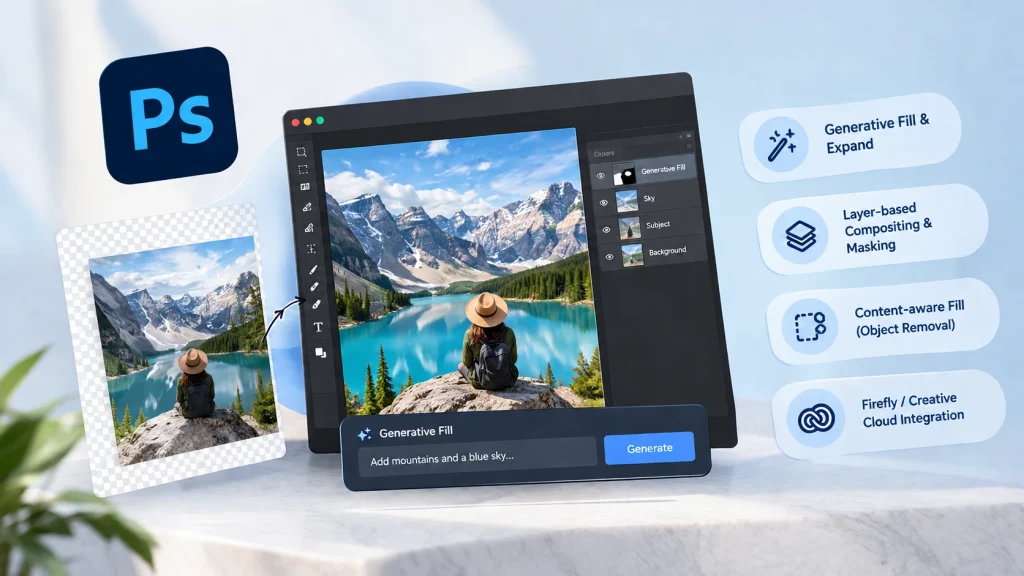
Photoshop is the reference point every other tool here gets measured against. Thanks to Generative Fill and full layer-based photo compositing. Pricing starts at roughly $22.99/month for the standalone plan.
Key Features
- Generative Fill & Expand for context-aware edits
- Full layer-based compositing and masking
- Content-aware fill for object removal
- Deep Firefly / Creative Cloud integration
| Pros | Cons |
|---|---|
| Industry-standard precision and creative control. Deepest layer and compositing tools on this list. Constant AI feature updates via Firefly. Integrates across the full Adobe ecosystem | Steep learning curve for beginners. Subscription-only, no perpetual license. Generative credits are limited on lower tiers. Pricier than most alternatives here |
2. Luminar Neo: Best for Creators Who Want AI Power Without the Learning Curve
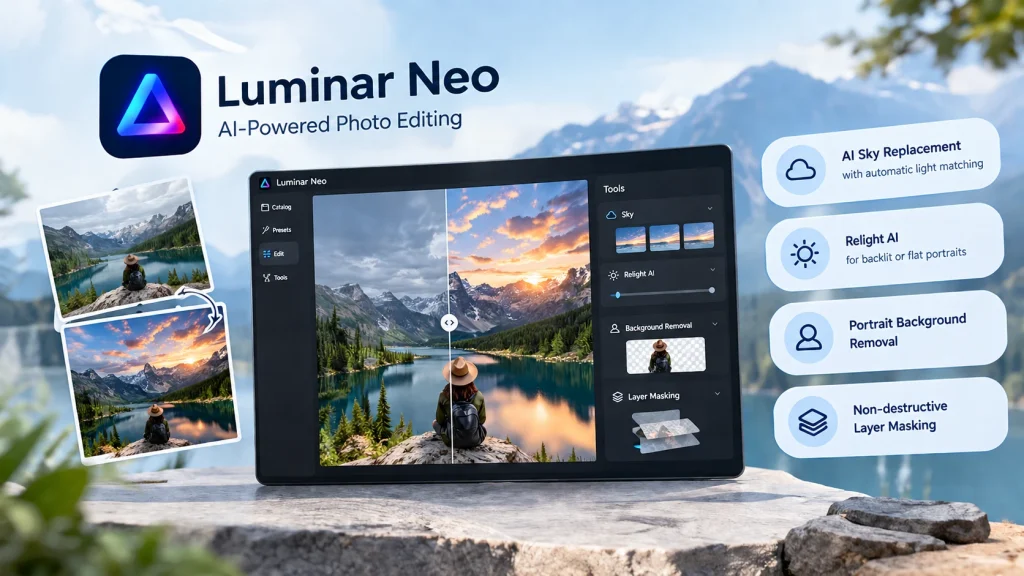
Luminar Neo builds AI directly into its core workflow rather than bolting it on. Sky Replacement swaps skies while matching ambient light, and Relight AI fixes flat or backlit subjects. A perpetual license starts around $99, no subscription required.
Key Features
- AI Sky Replacement with automatic light matching
- Relight AI for backlit or flat portraits
- Portrait background removal
- Non-destructive layer masking
| Pros | Cons |
|---|---|
| One-time perpetual license option available. Powerful, natural-looking sky and relighting tools; beginner-friendly, one-click enhancements; fast rendering for landscape and travel work | Desktop only — no mobile app; cataloging weaker than Lightroom at scale; resource-heavy, needs a decent GPU; less precise than Photoshop for multi-layer composites |
3. Canva (Magic Studio): Best for Marketers and Non-Designers
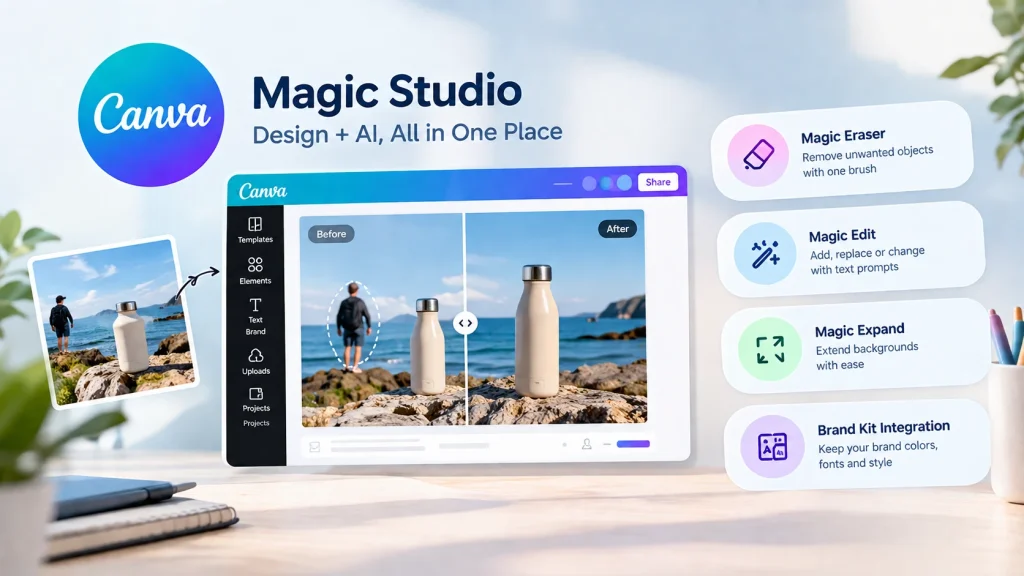
Canva’s Magic Studio bundles Magic Eraser, Magic Edit, and Magic Expand into the editor marketing teams already use daily. This is with edits inheriting brand colors and fonts automatically. Canva Pro runs roughly $13–18/month, with a usable free tier.
Key Features
- Magic Eraser for one-brush object removal
- Magic Edit, generative fill via text prompts
- Magic Expand for extending backgrounds/canvas
- Brand Kit integration and CSV-based bulk creation
| Pros | Cons |
|---|---|
| Extremely easy for non-designers; brand-consistent output built in; all-in-one design plus AI editing suite. Usable free tier for occasional edits | AI credits shared across all tools, cap quickly; image quality trails dedicated generators for hero shots; limited for advanced retouching or complex composites; Pro plan price has risen in recent years |
Need consistency AI can’t quite guarantee yet?
Explore Offshore Clipping’s photo editing services, or start a free trial to see the difference a human finishing pass makes.
Get a Free Trial!
4. Picsart: Best for Mobile-First Manipulation and Social Content
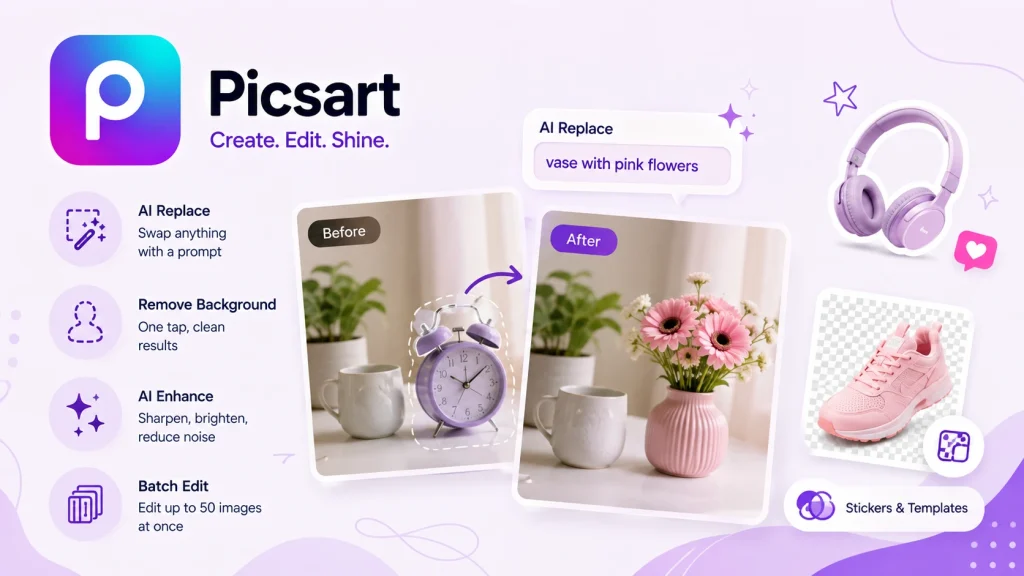
Picsart is built for editing on a phone. This one is a natural fit for influencers and creators publishing straight to Instagram or TikTok, with AI Replace and quick sticker-based compositing. Pricing runs about $13/month on the Gold plan, less if billed annually.
Key Features
- AI Replace: swap objects via highlight + prompt
- AI Enhance for sharpening and noise cleanup
- One-tap background removal
- Batch editing (up to 50 images on higher tiers)
| Pros | Cons |
|---|---|
| Strong, polished mobile app. Fast for social and creative content. Batch processing on paid tiers. Large template and sticker library | Optimized for social, not e-commerce precision. Inconsistent results on busy or multi-person shots. Credit-based system runs out quickly. RAW files get compressed on upload |
5. Fotor: Best for Experimenting With Generative AI on a Budget
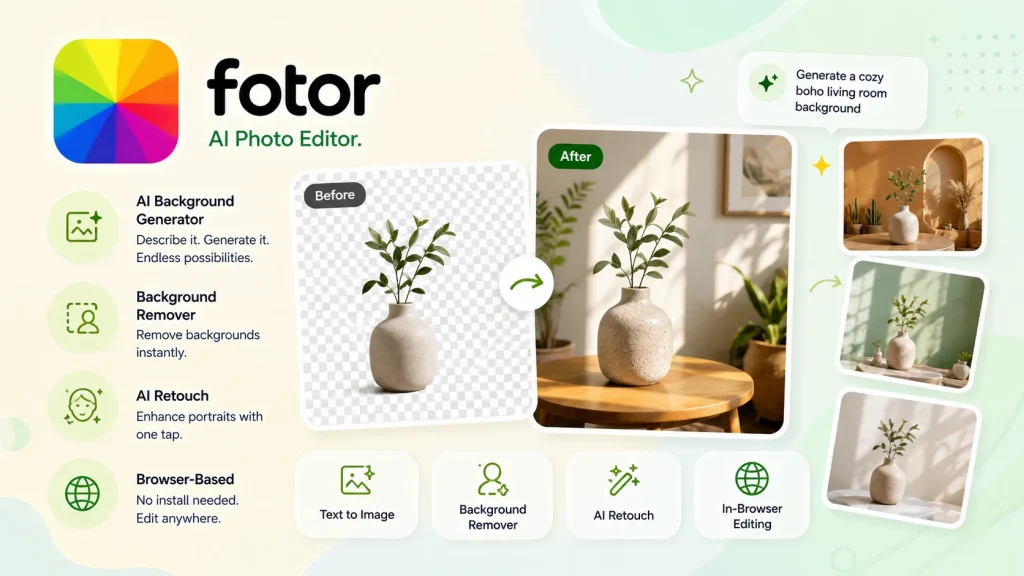
Fotor pairs an AI image generator with a lightweight editor. So, you can generate a background and drop a subject onto it in the same browser tab. Pro plans are listed from around $4–9/month, among the cheapest on this list.
Key Features
- Text-to-image AI background generator
- AI background remover and enhancer
- One-tap AI retouching
- Browser-based, no install required
| Pros | Cons |
|---|---|
| One of the most affordable full-featured options. No installation, works entirely in-browser. Combines generation and editing in one place. Decent for quick marketing or social visuals | Free plan exports with a watermark. Quality ceiling drops on complex scenes. Fewer manual/advanced controls than desktop tools. Interface feels busy with ads on the free tier |
6. PicWish: Best for Fast, Automated Batch Edits

PicWish stays narrowly focused on one-click background removal with clean edge detection, plus batch processing built for growing product catalogs. Paid plans start around $5–10/month.
Key Features
- One-click background removal (hair/fur-safe edges)
- Batch mode: up to 30–100 images per pass
- AI object removal tool for watermarks/logos
- AI photo enhancer and upscaler
| Pros | Cons |
|---|---|
| Fast, accurate edge detection on hair and fur. Purpose-built for e-commerce batch work. Affordable relative to comparable tools. No learning curve, simple, one-click workflow | Free plan is watermarked and lower resolution. Occasionally struggles with reflective surfaces. Limited creative or compositing tools beyond backgrounds. Not built for professional portrait retouching |
7. Claid: Best for E-Commerce Product Photo Automation (API-Driven)

Claid is built for teams: its API automates background removal, scene generation, and enhancement across a full catalog, tuned to preserve product accuracy at volume for e-commerce image editing workflows. Pricing starts at around $9/month.
Key Features
- API-first batch automation for full catalogs
- AI product photoshoot/scene generation
- On-model and ghost-mannequin-style fashion outputs
- Zapier and no-code integrations
| Pros | Cons |
|---|---|
| Purpose-built for e-commerce scale. Strong reported brand/catalog consistency. Handles fashion-specific workflows well. Supports real-time and batch API processing | Needs developer/technical setup for full value. Not a drag-and-drop tool for one-off edits. Web vs. API pricing tiers can be confusing. Entry tier limited for real production volume |
8. ON1 Photo RAW: Best All-in-One for RAW Processing + AI Manipulation
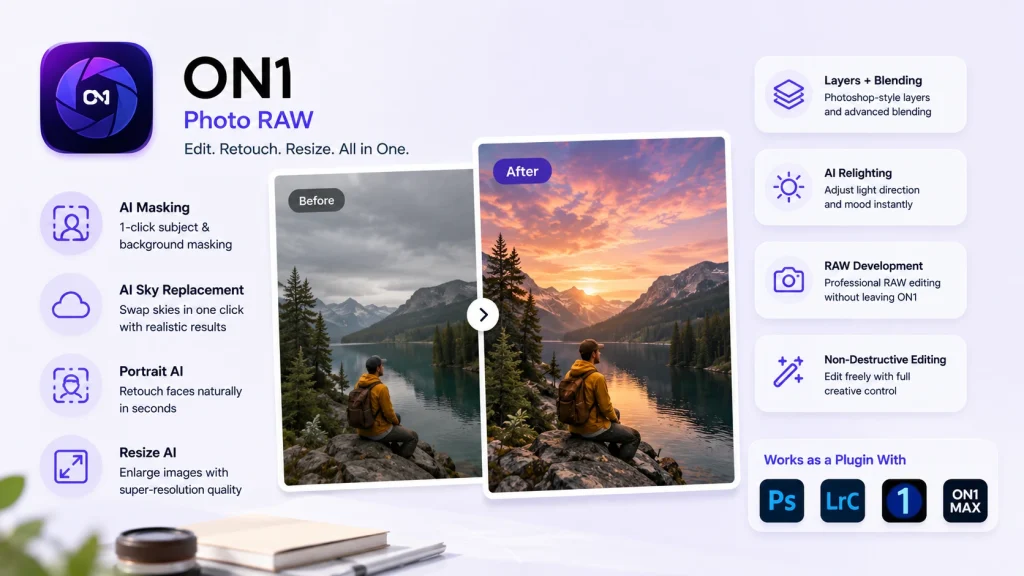
ON1 Photo RAW combines RAW development, layers, and AI manipulation in one app. So photographers don’t have to bounce between Lightroom and Photoshop. A perpetual license starts at around $99, with an optional subscription.
Key Features
- 1-click subject and background masking
- AI Sky Replacement and Portrait AI
- Resize AI for super-resolution enlargements
- Plugin support for Photoshop, Lightroom, Capture One (MAX)
| Pros | Cons |
|---|---|
| One-time perpetual license — rare in this category. Combines Lightroom- and Photoshop-style tools in one app. Strong 2026 masking and relighting update. More affordable than an Adobe subscription long-term | Interface can feel cluttered. Catalog/library performance trails Lightroom at scale. AI features need a modern GPU. Smaller tutorial community than Adobe |
9. Pixlr: Best Free Browser-Based Option for Beginners
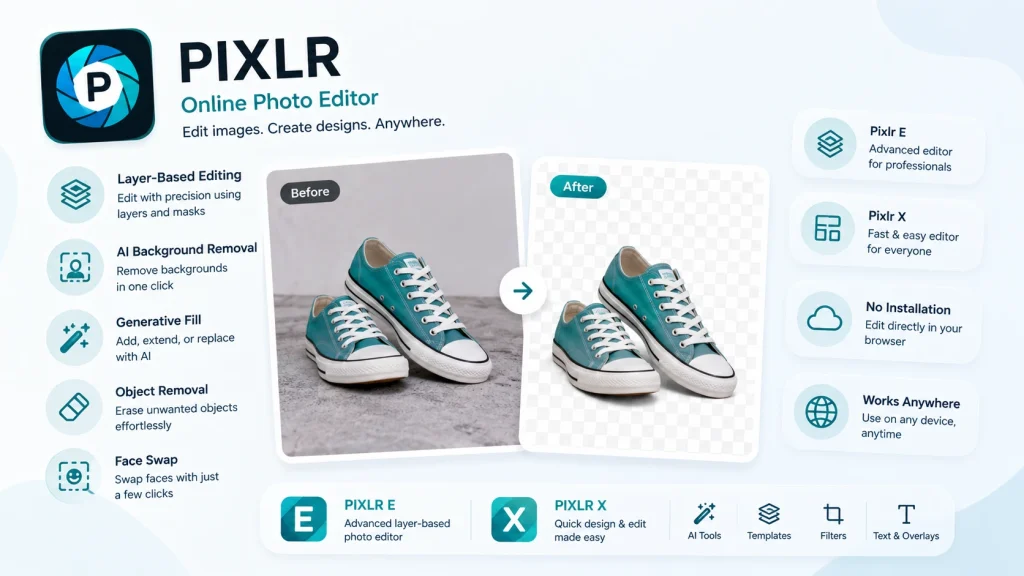
Pixlr has been around since 2008 and still holds up. Pixlr E offers layer-based editing close to a lightweight AI image editor, and the free tier exports without a watermark. Paid tiers start from about $2/month.
Key Features
- Dual editors: Pixlr E (layers) and Pixlr X (templates)
- AI background removal and generative fill
- Object removal and face swap
- No-install, browser-based access
| Pros | Cons |
|---|---|
| Genuinely usable free tier, no watermark; browser-based, works on any device; layer-based editing close to desktop-grade; affordable premium tiers | AI credit system feels restrictive at scale; no RAW file processing; free tier ads can be distracting; less powerful than Photoshop for advanced composites |
10. Lensa: Best for Quick Portrait Retouching on Mobile
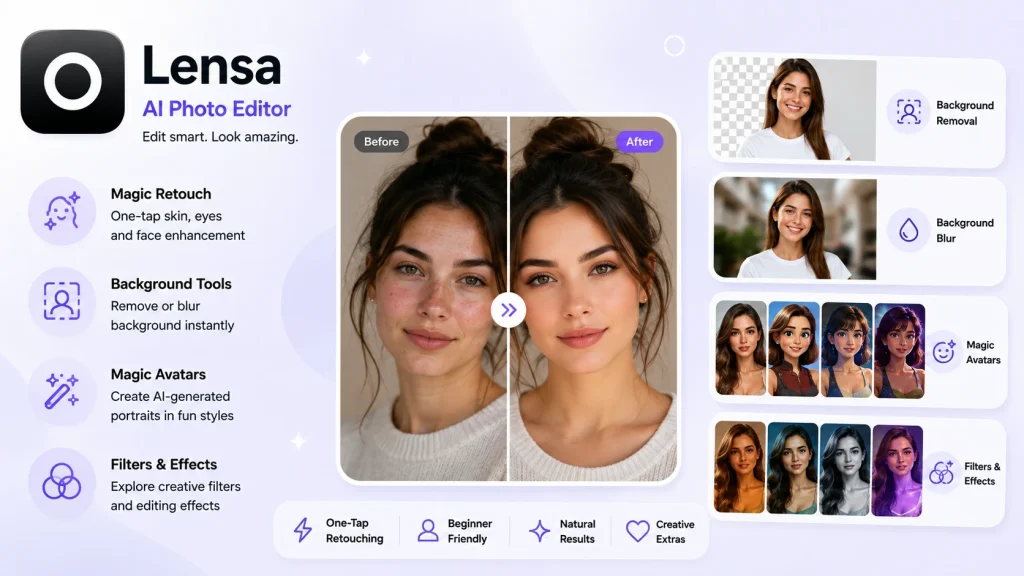
Lensa is mobile-only and built around fast, one-tap photo retouching; Magic Retouch smooths skin without the plastic, over-processed look. Subscriptions run around $30/year, with avatar packs billed separately.
Key Features
- Magic Retouch: one-tap skin and eye enhancement
- AI background removal and blur
- Magic Avatars (AI-generated portrait styles)
- Filter and photo editing effects library
| Pros | Cons |
|---|---|
| Natural-looking, one-tap retouching; affordable annual subscription; fast, beginner-friendly mobile workflow; fun creative extras like avatars and filters | Mobile only — no desktop or web version; Avatar packs billed separately from subscription; Some user complaints about renewal pricing; Not built for professional, client-facing retouching |
How We Evaluated These Tools
Rather than claim lab-controlled testing, we didn’t run it. We evaluated each platform using six consistent criteria and cross-checked the findings against vendor documentation and independent reviews:
- Output quality and realism on real-world images, not just marketing demos
- Ease of use for non-designers, since several buyer groups have no formal editing background
- Batch and bulk capability for anyone processing more than a handful of images at once
- Pricing transparency, including free-tier limits and watermark rules
- Commercial usage rights, which matter for anything published or sold
- Platform availability across desktop, web, and mobile
How to Choose the Right AI Photo Manipulation Tool for You
The best AI for photo manipulation for you depends less on brand reputation and more on your actual workflow. A quick way to narrow it down:
- Solo creator or influencer posting to social media → Picsart, Fotor, or Lensa for speed on mobile
- E-commerce seller or SKU manager with real volume → PicWish or Claid for automation and batch consistency
- Photography studio or freelance photographer → Photoshop or ON1 Photo RAW for full creative control
- Marketing manager or ad agency without in-house design → Canva Magic Studio for brand-consistent, fast turnarounds
- Beauty brand, MUA, or portrait-focused creator → Lensa or Luminar Neo for natural-looking retouching
Real estate agents and property teams doing quick listing touch-ups also lean toward Luminar Neo. This is mainly for its sky replacement and relighting. Also useful for interiors shot under mixed lighting.
Where AI Photo Manipulation Tools Fall Short
None of this is a knock on AI. It’s genuinely fast, and for a single image, most of these tools get you 90% faster than any other tools. The gap shows up at scale. Even the best AI for photo manipulation software starts to struggle once you’re processing hundreds of near-identical product shots a week. Batch results drift; brand-accurate colors shift slightly from image to image. And complex composites with multiple subjects still need a manual pass to look convincing.
There’s also the compliance layer AI doesn’t know to check. Amazon, Etsy, and other marketplaces enforce specific image rules. Background color, padding, and resolution that a generic tool has no awareness of.
And AI still misreads hands, jewelry, reflective surfaces, and skin tones more often than a trained retoucher would. None of that shows up in a single-image demo. It shows up on image 340 of a 500-image catalog.
Need every image to look identical, on-brand, and marketplace-ready?
Offshore Clipping handles the consistency AI still can’t guarantee.
Get Your Service!
AI + Human Editing: The Hybrid Workflow Most Pros Actually Use
In practice, most working photographers, studios, and e-commerce teams don’t pick a side. They use AI for the rough cut. A quick background removal, a first-pass composite, and a mockup to approve internally. They route anything client-facing or brand-facing through a professional editor for the final pass. It’s faster than editing everything by hand and more consistent than trusting AI alone at volume.
This is true for fashion and apparel catalogs. Especially where a slightly off white balance or an inconsistent shadow across a hundred SKUs is immediately noticeable to a shopper.
Teams managing that kind of e-commerce image editing workload typically use AI to speed up the first draft, then have a human editor standardize color, cropping, and background across the full batch before it ever reaches a live listing.
Are you in trouble with thousands of your product images?
Add realism to your product images with our professional e-commerce image editing service.
Get Your First Edit!
FAQs
What’s the best AI for photo manipulation overall?
For most professional use cases, Adobe Photoshop’s Generative Fill offers the deepest control. For a gentler learning curve, Luminar Neo and Canva’s Magic Studio are strong alternatives depending on whether you’re a photographer or a marketer.
Is there a free AI photo manipulation tool without watermarks?
Pixlr’s free tier is one of the few in this category that exports without a watermark. Most other free plans, including Fotor and PicWish, add a watermark until you upgrade.
Can AI photo editing tools replace a professional photo editor?
For single images and casual use, often yes. At volume, large catalogs, brand-consistent campaigns, and marketplace compliance. Most teams still bring in a human editor for the final pass, since AI output can drift across a large batch.
Is AI photo manipulation good enough for e-commerce product photos?
It’s a strong starting point, especially for background removal and quick mockups. For listings that need to match exactly across dozens or hundreds of SKUs, a hybrid AI-plus-human workflow tends to hold up better than AI alone.
What’s the difference between AI photo editing and AI photo manipulation?
Editing adjusts what’s already in the frame. Exposure, color, cropping. Manipulation changes the frame itself: removing objects, swapping backgrounds, or compositing new elements into the scene.
Final Thoughts
There’s no single best AI photo manipulation tool for every job. Just the right tool for the job in front of you. Pick based on your actual workflow: speed and mobile convenience for casual content, precision and control for professional work, and automation for anything running at real volume.