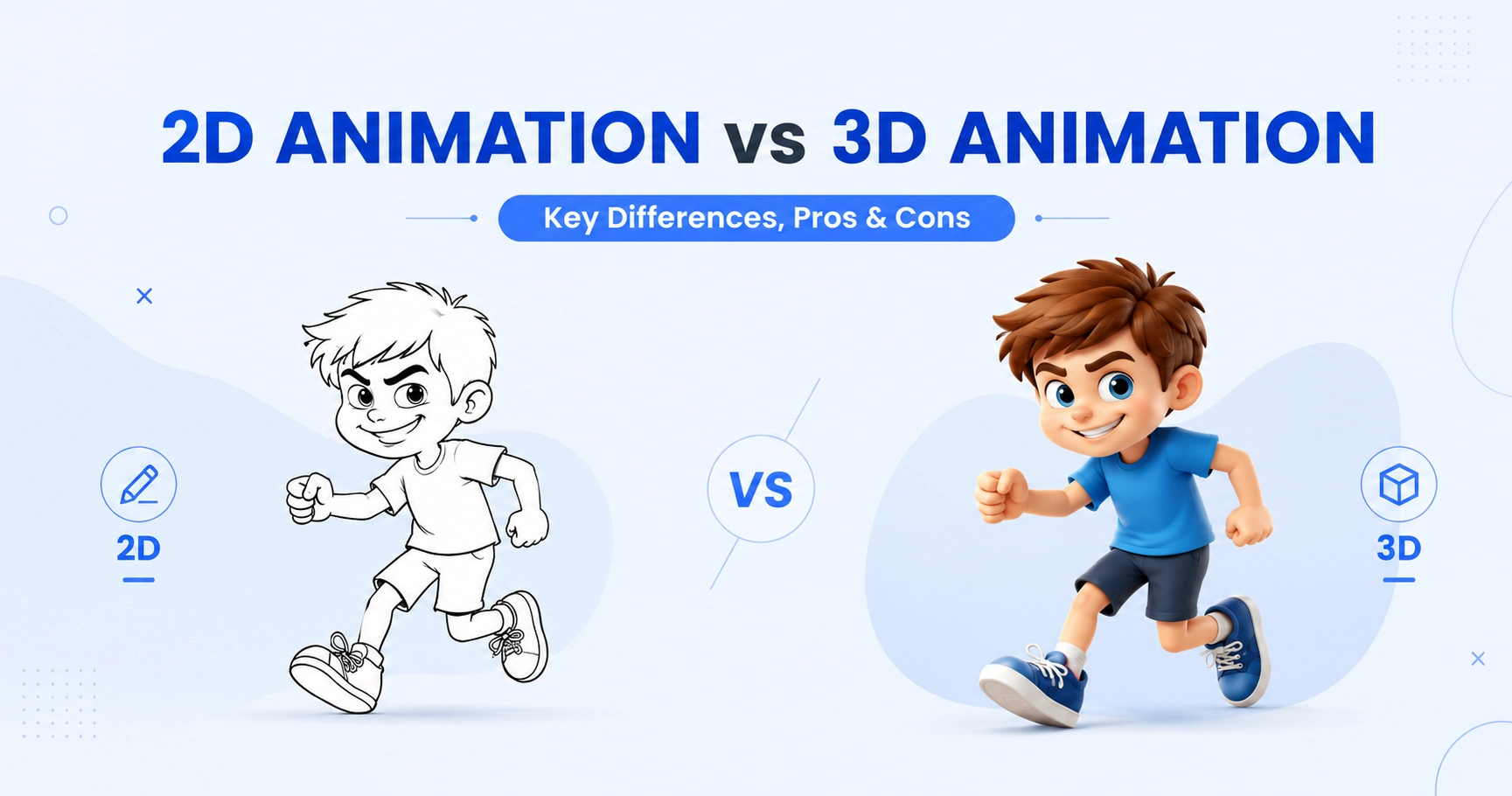
Just imagine you have a great story to tell, a product to explain, or a character bursting with personality. But which style brings it to life the right way? The answer often comes down to one big choice: 2D animation vs 3D animation.
Unlike live-action video, animation gives you full control over every pixel on screen. But that control comes with trade-offs. Flat, hand-drawn 2D animation moves fast and costs less.
Deep, lifelike 3D animation takes more time and skill but delivers realism you can't fake. As a beginner, understanding this core difference is your starting point.
In this guide, we break down the real differences between 2D and 3D animation. We cover how each style works, what they cost, and which one best fits your project. Whether you're planning a quick explainer video or a full animated film, these practical insights will help you choose with confidence.
What Is 2D Animation?
2D animation is the art of creating movement using flat, two-dimensional images. Characters and backgrounds have height and width, but no depth. Artists draw or design each frame, then play the frames in sequence to create motion. This style has roots in classic hand-drawn cartoons, but most 2D animation today is made digitally.
How Does 2D Animation Work?
A 2D animation project follows a structured production process that transforms static artwork into smooth, engaging motion.
While workflows vary depending on the project, most productions include these core stages:
- Storyboarding: Artists map out each scene like a comic strip before animating.
- Keyframes: Artists draw the main poses that mark key moments of an action.
- Inbetweens: Artists fill in the frames between each keyframe to smooth out the motion.
- Frame rate: Traditional animation runs at 24 frames per second.
- Drawing on twos: Many studios reuse one drawing across two frames. This cuts the workload in half and still looks smooth to the eye.
Modern animation software automates parts of this workflow, but strong storytelling, timing, and design remain essential to creating engaging animations.
Common Types of 2D Animation
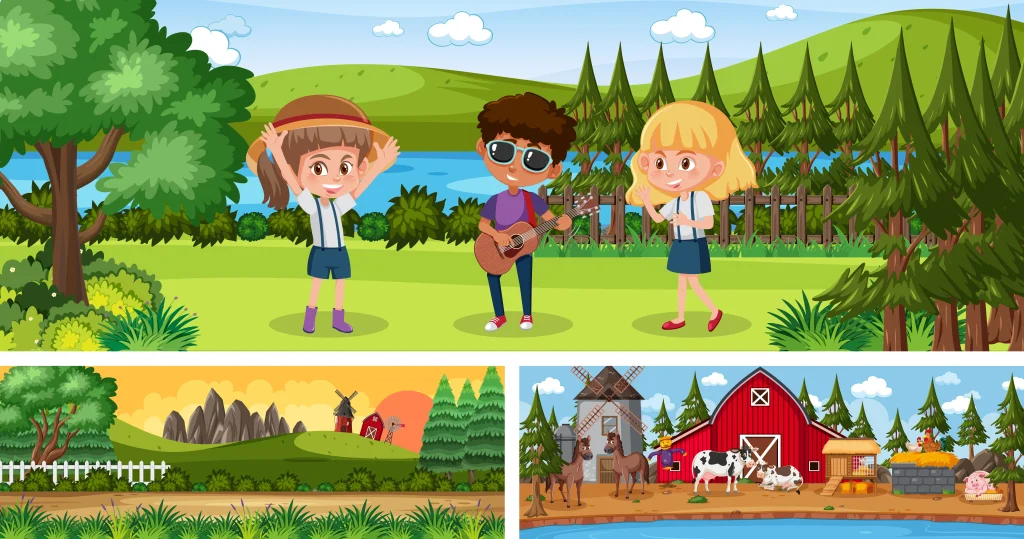
Different projects need different animation methods. Understanding these styles can help you choose the right approach for your creative or business goals.
- Cel (traditional) animation: Each frame is hand-drawn on paper or a digital tablet. Offers the most control over detail and expression, but takes the most time.
- Vector animation: Characters are built from digital shapes and paths, not pixels. Easy to resize, edit, and reuse.
- Cut-out animation: Characters are built from separate pieces, like a paper puppet. Animators move the pieces instead of redrawing the whole character.
- Rotoscoping: Animators trace over live-action footage frame by frame. Creates realistic movement with a hand-drawn look.
- Motion Graphics: Focus on animating typography, icons, charts, logos, and graphic elements. Widely preferred for product demonstrations, presentations, user interface animations, and corporate videos.
Where Is 2D Animation Used?
Because it is versatile, affordable, and visually flexible, many industries use 2D animation.
Common applications include:
- Explainer videos for businesses and SaaS companies
- Television cartoons and animated series
- Educational and e-learning content
- Digital advertising and social media campaigns
- Healthcare and medical animations
- Corporate training videos
- Mobile games and casual gaming
- User interface and app animations
- Product demonstrations
- Nonprofit awareness campaigns
2D animation clearly communicates ideas. It does not need photorealistic visuals. It is one of the best formats for simplifying complex information.
Popular Examples of 2D Animation
Many of the world's most recognizable animated productions showcase the lasting appeal of 2D animation.
Popular examples include:
- The Simpsons
- Looney Tunes
- Adventure Time
- Rick and Morty
- South Park
Popular 2D Animation Software
The right software depends on your experience level, project requirements, and production workflow.
| Beginner-friendly Software | Professional Software |
|---|---|
| OpenToonz | Toon Boom Harmony |
| Krita | Adobe Animate |
| Pencil2D | Adobe After Effects |
| Moho |
These tools support different animation techniques, from traditional frame-by-frame workflows to modern vector-based animation with reusable character rigs.
When Should You Choose 2D Animation?
2D animation is often the best choice when your goal is to communicate ideas clearly, stay within budget, and deliver projects efficiently.
Consider choosing 2D animation if your project involves:
- Explainer videos
- Educational or training content
- SaaS product demonstrations
- Brand storytelling
- Social media marketing
- Television or web cartoons
- Marketing campaigns with tight production timelines
However, if your project requires highly realistic environments, cinematic camera movements, or immersive visual experiences, 3D animation may be a better fit, a comparison explored in the next section.
What Is 3D Animation?
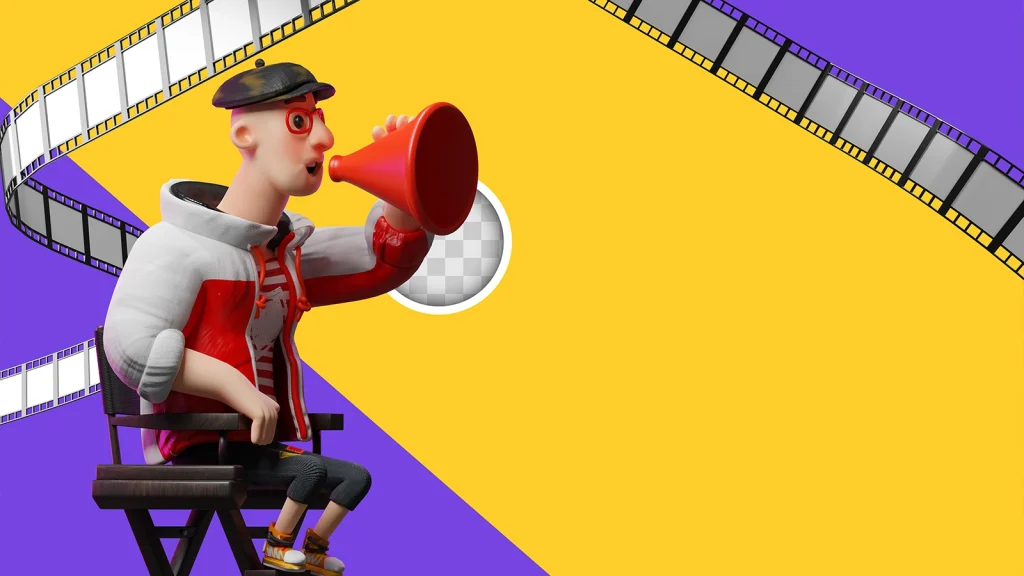
3D animation is the process of creating movement using three-dimensional digital models that exist within a virtual environment. Artists build these objects as digital models, then animate them using computer software instead of drawing each frame by hand.
It is widely used in films, video games, advertising, architecture, healthcare, and product visualization to create realistic and immersive visual experiences.
How Does 3D Animation Work?
A 3D animation project follows a structured production pipeline that transforms a digital model into a finished animated scene. Although workflows vary by project, most productions follow these core stages:
- Modeling: Artists build a 3D shape, called a mesh, out of connected points and surfaces.
- Rigging: Artists add a digital skeleton inside the model, so it can bend and move.
- Animating: Animators move the rig to set keyframes, then the software fills in the motion between them.
- Lighting: Artists place digital lights to set the mood and make the scene feel real.
- Rendering: The computer processes every frame in full detail, turning the 3D scene into a final video.
Modern production pipelines may also include texturing, simulations, visual effects, compositing, and color grading before the final export.
Where Is 3D Animation Used?
3D animation can create realistic characters, products, and environments. This makes it one of the most versatile visual communication tools across industries.
Common applications include:
- Animated feature films and television series
- Video games and interactive experiences
- Product visualization and commercials
- Architectural visualization and virtual walkthroughs
- Medical and healthcare animations
- Engineering and manufacturing simulations
- Automotive product demonstrations
- Virtual reality (VR) and augmented reality (AR)
- Corporate presentations and marketing campaigns
- Educational and scientific visualizations
Its flexibility allows businesses to showcase products, explain complex concepts, and create immersive customer experiences that would be difficult or expensive to film in the real world.
Popular 3D Animation Software
Professional studios and independent creators use a wide range of software depending on the project's complexity and production goals.
| Industry-standard Software | Real-time Production Tools |
|---|---|
| Autodesk Maya | Unreal Engine |
| Blender | Unity |
| Cinema 4D | |
| Houdini |
These applications support every stage of the production pipeline, from modeling and animation to simulation, rendering, and real-time visualization.
Why Should You Choose 3D Animation?
3D animation is the preferred choice when projects require realism, immersive environments, and dynamic visual storytelling that goes beyond the limitations of flat graphics.
Choose 3D animation if your project involves:
- Product visualization
- Architectural walkthroughs
- Feature films
- Video games
- Medical visualization
- Manufacturing demonstrations
- Engineering simulations
- Virtual reality (VR) or augmented reality (AR)
- High-end advertising campaigns
3D animation lets you create realistic visuals. It also allows cinematic camera movements, reusable digital assets, and interactive experiences. It offers great flexibility and long-term value.
2D vs 3D Animation: Key Differences at a Glance
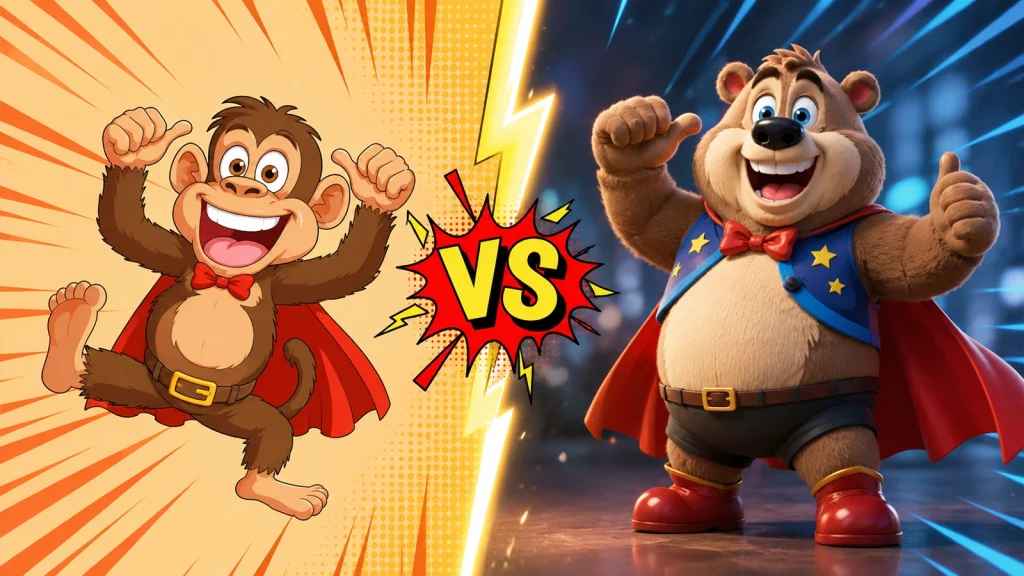
The table below breaks down the core differences between 2D and 3D animation. Use it as a quick reference, then read the sections below for more detail on each point.
| Attribute | 2D Animation | 3D Animation |
|---|---|---|
| Dimensionality | Flat, two-dimensional artwork | Three-dimensional models with depth |
| Core Technique | Frame-by-frame drawing or vector animation | Modeling, rigging, keyframing, and rendering |
| Visual Style | Stylized, illustrated, cartoon-like | Realistic, immersive, cinematic |
| Character Movement | Limited to X and Y axes | Full movement across X, Y, and Z axes |
| Camera Movement | Limited virtual camera motion | Dynamic camera angles and cinematic movement |
| Production Workflow | Illustration → Animation → Export | Modeling → Rigging → Animation → Lighting → Rendering |
| Production Time | Faster for many projects | Longer due to modeling and rendering |
| Asset Reusability | Often requires new artwork | Models can be reused and reanimated |
| Hardware Requirements | Moderate | High-performance workstation recommended |
| Rendering Requirements | Minimal | Often rendering-intensive |
| Typical Cost | Lower for most commercial projects | Higher due to increased production complexity |
| Realism | Stylized visuals | Highly realistic visuals |
Pros and Cons of 2D Animation
2D animation is known for being fast, flexible, and easy on the budget. But its flat style also comes with real limits. Here's a balanced look at both sides.
Advantages of 2D Animation
- Cost-effective: Smaller teams and simpler tools mean lower production costs.
- Faster turnaround: Fewer production stages mean quicker delivery, especially for short videos.
- Easier to learn: Beginners can build skills without needing technical 3D knowledge.
- Expressive character design: Flat, stylized art gives artists more creative freedom over look and personality.
- Great for clear communication: The simple visual style works well for explainer videos and marketing animation, where clarity matters more than realism.
- Easy to edit and update: Changes are often simpler to make than reworking a 3D model.
Disadvantages of 2D Animation
- Limited depth: Characters and scenes lack real dimension, so camera movement is restricted.
- Less realistic: Not the right fit for projects that need lifelike detail or physics.
- Assets aren't reusable: Characters often need to be redrawn for new angles or poses.
- Can feel repetitive: Simple styles, if overused, may lack visual variety compared to 3D.
- Time-consuming for great detail: Fully hand-drawn, frame-by-frame work can still take significant time, even though it's often faster than 3D overall.
Pros and Cons of 3D Animation
3D animation delivers depth and realism that 2D can't match. But that quality comes with a bigger investment of time, money, and skill.
Advantages of 3D Animation
- Realistic animation: Lighting, texture, and depth create lifelike movement and detail.
- Immersive visuals: Strong fit for video game cinematics, VR, and AR, where depth adds real value.
- Reusable 3D models: Once built and rigged, a character can be reused across scenes, projects, or an entire series.
- Full camera freedom: Scenes can be viewed from any angle without redrawing anything.
- Premium look and feel: Often used when a brand or story needs a high-end, modern visual style.
Disadvantages of 3D Animation
- High production costs: More specialists and additional production stages increase the budget.
- Technical complexity: Requires skills in modeling, rigging, lighting, and rendering, not just animation.
- Longer timelines: The multi-stage pipeline takes more time than most 2D workflows.
- Heavy hardware needs: Rendering realistic scenes requires powerful computers and graphics cards.
- Uncanny valley risk: Characters that look almost human, but not quite, can feel unsettling instead of appealing.
Frozen and other Pixar films show how far 3D animation has come, using realistic lighting and physics to create emotionally rich, feature-length stories.
2D vs 3D Animation Cost: Which Is Cheaper?
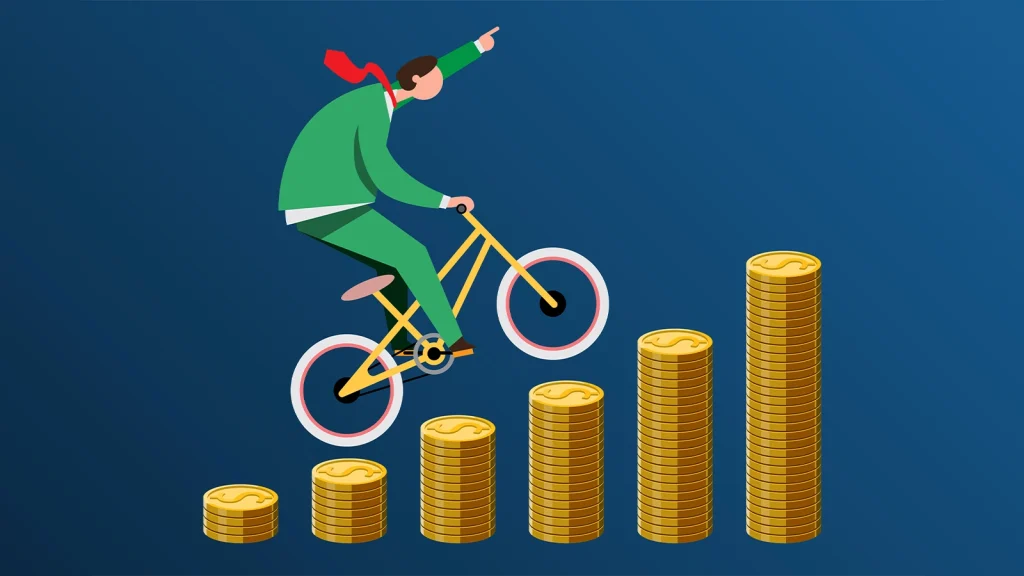
2D animation is usually more affordable because it does not require 3D modeling, rigging, or heavy rendering.
2D Animation Cost Per Minute
2D animation is usually more affordable because it does not require 3D modeling, rigging, or heavy rendering.
| Project Type | Typical Cost Per Minute |
|---|---|
| Basic motion graphics | $1,000–$5,000 |
| Standard 2D explainer video | $3,000–$15,000 |
| Premium/custom illustrated 2D | $8,000–$20,000+ |
Higher costs typically come from custom artwork, detailed animation, and multiple revisions.
3D Animation Cost Per Minute
3D animation involves additional steps like modeling, texturing, rigging, lighting, and rendering, which increase production costs.
| Project Type | Typical Cost Per Minute |
|---|---|
| Standard 3D animation | $5,000–$15,000 |
| High-end 3D with custom modeling | $10,000–$25,000 |
| Cinematic/broadcast-quality 3D | $20,000–$50,000+ |
Costs rise with photorealism, simulations, and complex scenes.
Source of Cost Estimates: These ranges are based on industry benchmarks from animation studios, freelance marketplaces (such as Upwork and Fiverr), production agencies, and pricing data published by animation service providers.
2D vs 3D Animation: Which Should You Choose? (Decision Framework)
There's no single "better" style. The right choice depends on your budget, timeline, and how realistic your project needs to look. Use the framework below to find your fit.
Choose 2D If...
- Your budget is limited, and you need to keep costs down.
- You're working on a short timeline or tight deadline.
- Your project calls for a stylized or expressive look, not realism.
- You're making an explainer video, educational content, or a simple marketing ad.
- You want a fast way to test an idea before investing more.
Choose 3D If...
- Your project needs to look realistic or lifelike.
- You're creating product visualizations, architectural walkthroughs, or detailed demos.
- You're building for an immersive space, like a video game, VR, or AR experience.
- You plan to reuse characters or models across multiple scenes or projects.
- Budget and timeline allow for a longer, multi-stage production process.
How AI Is Changing 2D and 3D Animation
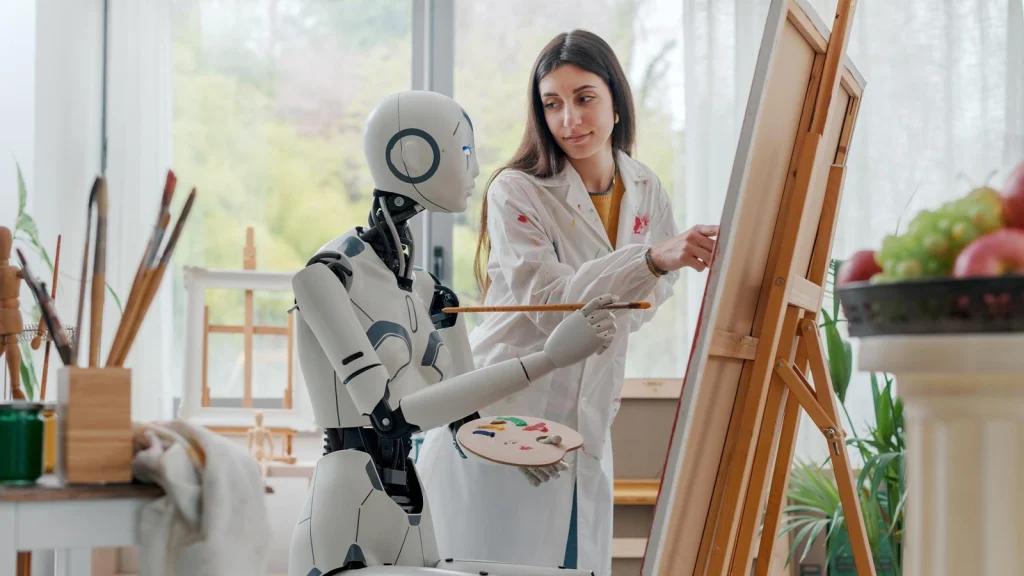
AI tools are starting to reshape animation styles, speeding up work that used to take hours of manual effort.
AI-Assisted Rigging
- AI tools can now auto-generate a digital skeleton for a 3D model, cutting down setup time.
- This lowers the technical barrier for smaller teams and solo creators working in 3D.
AI in Rendering
- AI-powered denoising and upscaling tools speed up the rendering process.
- This reduces the computing power and time needed to finish a high-quality 3D scene.
AI Motion Capture
- New AI tools can extract motion data from a simple video, without a full mocap suit or studio.
- This makes realistic movement more accessible to smaller studios and independent animators.
AI Background Generation
- AI can generate backgrounds and environment art for both 2D and 3D projects.
- This frees up artists to focus on character work and storytelling instead of repetitive scene-building.
2D vs 3D Animation in Film, Games, and Business (Real-World Examples)
The differences between 2D and 3D animation become much clearer when you see how each style is used in real-world projects.
Rather than competing with each other, they often complement one another based on the project's goals, audience, budget, and desired visual experience.
Film & TV Examples
- The Lion King (1994) vs. The Lion King (2019): The original used hand-drawn 2D animation. The 2019 version used photorealistic 3D animation, showing how far the technology has come.
- Frozen: A Disney film built with 3D animation to create realistic snow, hair, and lighting effects.
- Spider-Man: Into the Spider-Verse: A rare example of 3D animation styled to look like 2D comic art, blending both techniques.
Video Game Examples
- Super Mario 64 vs. classic Mario games: The jump from 2D side-scrolling to full 3D space changed how the character could move and how levels were designed.
- Cel-shaded games: Titles from Arc System Works use 3D models rendered with a 2D, hand-drawn look, popular in fighting and action games.
Business & Marketing Examples
- Explainer videos: Most brands use 2D animation here, since it explains ideas clearly without extra production time.
- Product demos: Businesses often turn to 3D animation to show off product features, internal parts, or angles a camera can't capture.
- Social ads: Both styles show up here, depending on whether the brand wants a fast, simple message or a more premium, polished look.
2D vs 3D Animation Careers: Skills, Learning Curve & Salary
If you're considering a career in animation, one of the biggest questions you'll face is whether to specialize in 2D animation or 3D animation.
Both career paths differ significantly in the skills required, learning curve, software, and day-to-day responsibilities.
The right choice depends on your artistic strengths, technical interests, career goals, and the type of projects you want to create.
Skills Needed for 2D Animation
A successful 2D animator combines artistic ability with strong storytelling and motion design skills.
Key skills include:
- Drawing and illustration fundamentals
- Character design and visual storytelling
- Animation principles such as squash and stretch, anticipation, timing, and spacing
- Frame-by-frame animation
- Vector animation and digital illustration
- Storyboarding and animatics
- Typography and motion graphics (for commercial projects)
- Basic video editing and compositing
- Color theory and visual composition
Skills Needed for 3D Animation
A 3D animator must develop technical skills related to creating and animating digital assets in three-dimensional space.
Key skills include:
- 3D modeling
- Character rigging
- Keyframe animation
- Lighting and scene composition
- Texturing and materials
- Camera animation
- Rendering fundamentals
- Physics simulations
- Motion capture cleanup
- Basic scripting or technical workflows (optional but valuable)
Salary Comparison: 2D vs 3D Animators
- The U.S. Bureau of Labor Statistics reports a median salary above $85,000 for multimedia artists and animators overall.
- 3D specialists tend to sit at the higher end of the pay scale, due to the added technical skill required.
- Pay varies widely by location, studio size, and experience level, so these figures are a general benchmark, not a guarantee.
Frequently Asked Questions
Is 2D or 3D animation easier to learn?
2D animation is usually easier to learn. It builds on drawing skills. 3D animation is harder. It also needs knowledge of modeling, rigging, and rendering besides animation basics.
Can 2D and 3D animation be combined?
Yes. This is often called 2.5D animation or cel-shading. It blends 3D models with a flat, hand-drawn visual style. Films like Spider-Man: Into the Spider-Verse and games from Arc System Works use this hybrid technique successfully.
What is 2.5D animation?
2.5D animation uses 3D models but renders them to look flat, like 2D art. This gives creators the efficiency and camera freedom of 3D, combined with the stylized look of hand-drawn animation.
How long does it take to produce 2D vs 3D animation?
2D animation usually takes less time to produce. It has fewer production stages. 3D animation takes longer. It goes through modeling, rigging, animating, lighting, and rendering before a scene is finished.
Is 2D animation dying?
No. 2D animation remains widely used in TV, mobile games, marketing, and education. While 3D dominates many big-budget films and games, 2D continues to thrive because it's fast, affordable, and well-suited to clear, stylized storytelling.
Conclusion
Both 2D and 3D animation have unique strengths, and the right choice depends on your goals, budget, timeline, and audience. Choose 2D for cost-effective storytelling and explainer content, or 3D for realistic visuals, product demonstrations, and immersive experiences.
If you're looking to create high-quality 3D product models or animations, Offshore Clipping offers reliable offshore 3D modeling services that combine premium quality, fast turnaround, and cost-effective production. Choose the animation style that best tells your story—and delivers the results your project deserves.