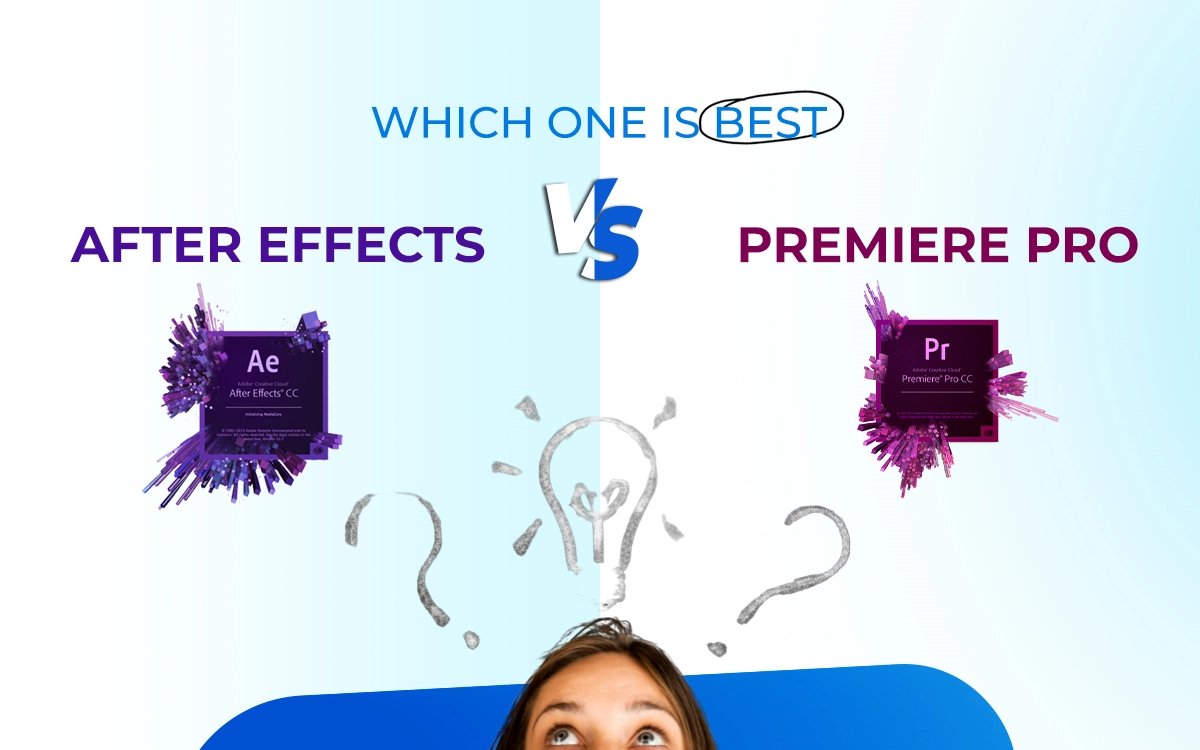
Adobe After Effects and Premiere Pro are two of the most widely used video editing tools, while Premiere Pro is designed for timeline-based editing and exporting full videos, After Effects specializes in motion graphics, visual effects, and animations. The two often work together through Adobe’s Dynamic Link, allowing Premiere to act as the main timeline hub and After Effects to add effects or graphics.
The key difference is that Premiere Pro handles full-length storytelling efficiently, whereas After Effects focuses on creating advanced visual elements like animated logos, transitions, and VFX. Both apps are available as standalone subscriptions at around $22.99 per month, or together in the Creative Cloud Pro bundle for $69.99 per month.
What you’ll learn in this article
- 1 After Effects vs Premiere Pro: Definition
- 2 After Effects vs Premiere Pro: Types of Uses
- 3 After Effects vs Premiere Pro: Key Features
- 4 After Effects vs Premiere Pro: Performance and Hardware Requirements
- 5 After Effects vs Premiere Pro: Integration and Workflow
- 6 After Effects vs Premiere Pro: Project Type
- 7 After Effects vs Premiere Pro: Prices
- 8 After Effects vs Premiere Pro: What are the Key Differences?
- 9 FAQ’s
After Effects vs Premiere Pro: Definition
After Effects is a motion graphics and visual effects software that video editors use for creating animations, cinematic titles, transitions, visual effects (VFX), and compositing, it is best when you want videos to turn into visual storytelling, where elements move, explode, glow, blend, such as films, TV shows, YouTube intros, ads, etc.
Adobe Premiere Pro is the tool video editors use for cutting, arranging, and polishing videos. You can work on everything with this tool, from importing raw footage to editing timelines, syncing audio, color grading, adding subtitles, and exporting final videos, such as YouTube videos, podcasts, vlogs, documentaries, or corporate content.
In short, use Premiere Pro to edit your full video first. Then, use After Effects when your video is already cut and structured, or the essential edits are done, and you need to add visual enhancement.
After Effects vs Premiere Pro: Types of Uses
After effects are used for specialized works, creative applications to enhance videos’ look for narrative development. Premiere Pro is used for full video creation, starting from editing raw images. There are specific use cases where these tools are used, which are listed as follows.
Use Cases of After Effects
The uses of After Effects include less cutting and more enhancing visuals, as follows.
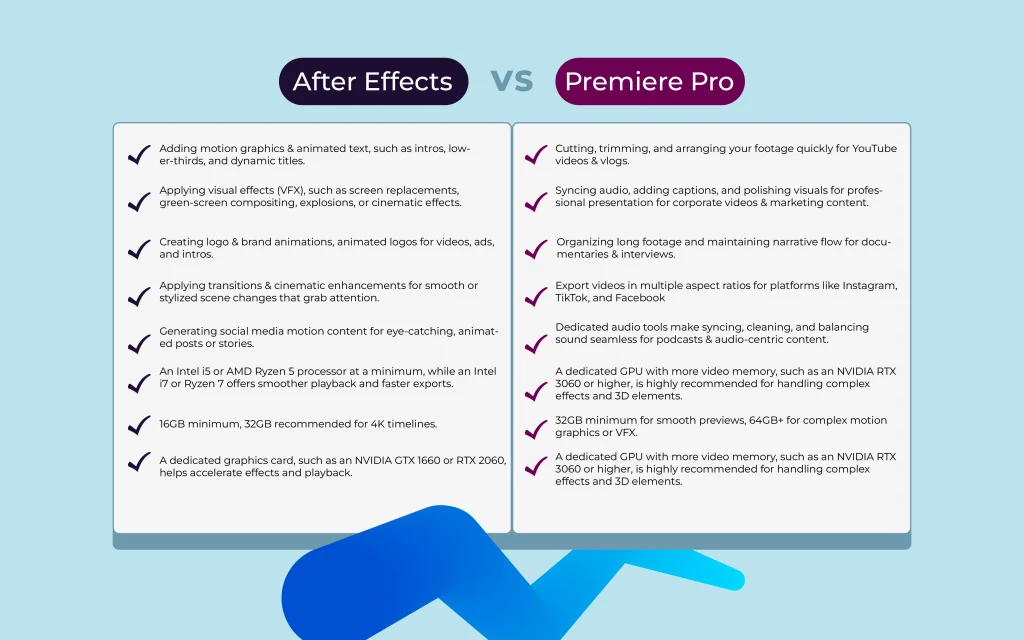
- Adding motion graphics & animated text, such as intros, lower-thirds, and dynamic titles.
- Applying visual effects (VFX), such as screen replacements, green-screen compositing, explosions, or cinematic effects.
- Creating logo & brand animations, animated logos for videos, ads, and intros.
- Applying transitions & cinematic enhancements for smooth or stylized scene changes that grab attention.
- Generating social media motion content for eye-catching, animated posts or stories.
Premiere Pro: Core Video Editing Uses
Premiere Pro allows all types of editing, from basic to advanced, as follows.
- Cutting, trimming, and arranging your footage quickly for YouTube videos & vlogs.
- Syncing audio, adding captions, and polishing visuals for professional presentation for corporate videos & marketing content.
- Organizing long footage and maintaining narrative flow for documentaries & interviews.
- Export videos in multiple aspect ratios for platforms like Instagram, TikTok, and Facebook.
- Dedicated audio tools make syncing, cleaning, and balancing sound seamless for podcasts & audio-centric content.
After Effects vs Premiere Pro: Key Features
Premiere Pro is designed to create smooth, efficient video editing. You will find the features are efficient enough to work, maintaining speed, and having editing control to create the perfect narrative. Key features of Adobe Premiere Pro are as follows.
- Advanced timeline editing: Trim, cut, ripple, and rearrange clips easily for clean storytelling
- Color correction & grading: Adjust exposure, white balance, and apply cinematic looks
- Multi-camera editing: Perfect for interviews, podcasts, and live events
- Native format support: Edit almost any camera footage without converting files
- Professional audio tools: Sync, mix, and enhance audio with built-in sound controls
- Optimized exporting: Export videos to video sharing platforms, social media, broadcast, or web
After Effects focuses on how the video would appear. So it features prioritized visuals such as motion, animation, and VFX to bring static visuals to life. Key features of Adobe After Effects are as follows.
- Motion graphics & animation: Animate text, shapes, and objects using keyframes
- Visual effects (VFX): Create cinematic effects, compositing, and screen replacements
- Advanced compositing tools: Green screen, masking, rotoscoping, and tracking
- Layer-based workflow: Work with individual layers like Photoshop for precise control
- Preset effects & expressions: Speed up complex animations and automate motion
- Seamless Adobe integration: Works smoothly with Premiere Pro via Dynamic Link
After Effects vs Premiere Pro: Performance and Hardware Requirements
Both After Effects and Premiere Pro offer users the convenience of creating watch-worthy videos, but to get the desired level of output, your hardware must be spot on. Don’t worry, though, if you have mid-range systems, you can run Premiere Pro well enough; however, After Effects needs some upgraded hardware to deliver a stable and efficient creative experience.
Hardware Requirements for Premiere Pro and After Effects
| Hardware | Adobe Premiere Pro | After Effects |
|---|---|---|
| Monitor | A full HD IPS monitor is usually sufficient, preferably between 24 and 27 inches, as it provides enough space for the timeline and editing panels without stressing the system. | A 2K or 4K IPS display sized between 27 and 32 inches, which makes managing layers, compositions, and fine visual details easier. |
| Processor | An Intel i5 or AMD Ryzen 5 processor at a minimum, while an Intel i7 or Ryzen 7 offers smoother playback and faster exports. | Recommended Intel i7, i9, or AMD Ryzen 7 or 9, as strong clock speeds improve rendering and preview performance. |
| Graphics Card | A dedicated graphics card, such as an NVIDIA GTX 1660 or RTX 2060, helps accelerate effects and playback. | A dedicated GPU with more video memory, such as an NVIDIA RTX 3060 or higher, is highly recommended for handling complex effects and 3D elements. |
| Storage | Using an SSD for the operating system and project files greatly improves responsiveness, while external SSDs are useful for storing media and backups. | Fast NVMe SSD storage is strongly recommended, especially for cache files, and professional users often pair this setup with precision input devices or a secondary monitor to maintain an efficient workflow. |
| RAM | 16GB minimum, 32GB recommended for 4K timelines. | 32GB minimum for smooth previews, 64GB+ for complex motion graphics or VFX. |
After Effects vs Premiere Pro: Integration and Workflow
Integrating both After Effects and Premiere Pro to edit videos is an effective way to work with enjoyment. As you have access to all the types of video editing features that Adobe Creative Cloud offers. By using Premiere Pro, you can manage the main timeline work, such as cutting, arranging clips, and adjusting audio. And with After Effects, you can enhance the edited video for visual effects, such as motion graphics or advanced animations.
When you use Adobe’s Dynamic Link, the interesting changes begin. You don’t have to export files back and forth; just send a composition from After Effects straight into Premiere Pro and see updates instantly. It makes the creative workflow smooth, saves hours of rendering, and lets video editors work focused.
After Effects vs Premiere Pro: Project Type
Both After Effects and Premiere Pro are feature-rich in their distinctive work, but don’t compare when it comes to project type. Premiere Pro handles full video projects, while After Effects handles the high-impact creative elements inside those projects. They support different types of work, but together, they help you produce polished, cinematic, and visually engaging content.
Premiere Pro is built to support video editing projects to the fullest, anything that lives on a timeline. From YouTube videos and social media video content to interviews, podcasts, documentaries, movies, and other long-form videos, Premiere Pro is the best-suited option among them. You organize clips, synchronize audio, make transitions, and export videos; work in your way.
After Effects is only set to work on an organized video project that demands visual impact rather than long storytelling. Pick After Effects when using motion graphics, title animations, logo reveals, visual effects, screen replacements, and anything that needs layering and animation.
After Effects vs Premiere Pro: Prices
Both Adobe Premiere Pro and After Effects have the same cost, priced at $22.99/month each when purchased as single-app subscriptions on an annual plan. If you are a heavy user, you can purchase them at $69.99/month inside the Creative Cloud All Apps bundle.
Adobe also provides student and teacher discounts, where verified students and educators can access the Creative Cloud Pro plan (which includes Premiere Pro and After Effects) at a much cut price. Business/teams plan to bundle apps with collaboration features and license management at different pricing tiers to fit their commercial needs and manage video editing costs.
After Effects vs Premiere Pro: What are the Key Differences?
The differences between Premiere Pro and After Effects lie in purpose, editing style, workflow, exporting focus, audio editing, learning curve, and use cases. Premiere focuses on cutting and storytelling, meaning it allows editing raw footage. After Effects allows enhancing them by adding animations, visual effects, and cinematic enhancements after the edit is complete.
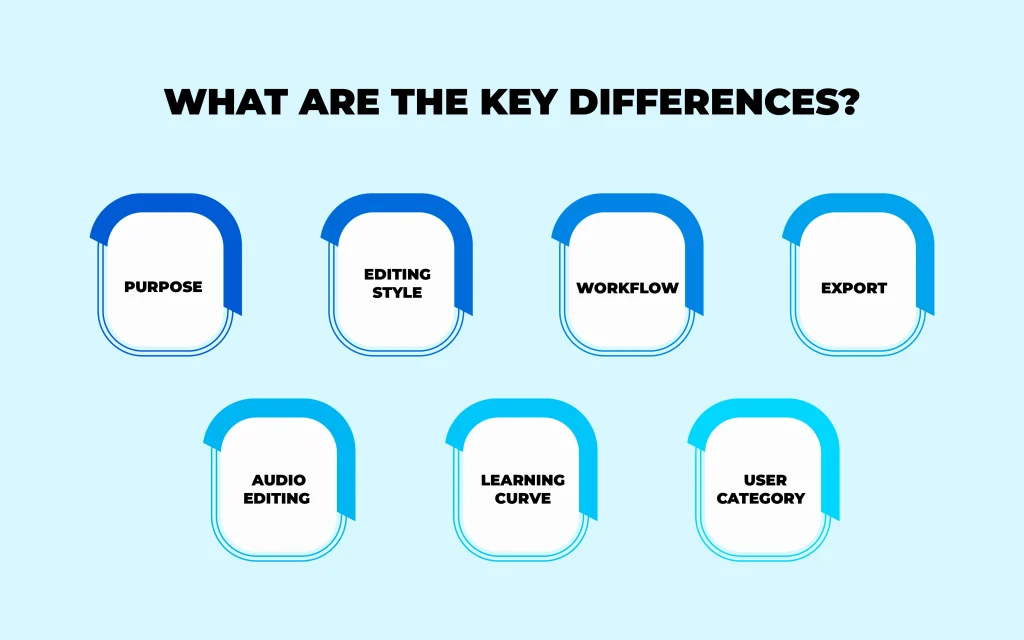
- Purpose
Premiere Pro is designed and featured as a solution for full video editing. From trimming clips, arranging scenes, adjusting pacing, and assembling the story, it assists in creating a polished final video. After Effects is mainly used to edit videos before finalizing for motion graphics and visual effects, cinematic flair, animations, titles, and transitions. It enhances the videos’ creative or cinematic appeal.
- Editing Style
Premiere Pro has a timeline-based editing style, making it intuitive to cut, move, and layer clips in sequential order. After Effects allows a layer-based composition system, where each element has its own layer, allowing precise control.
- Workflow
Video editors can organize clips, sync audio, color correct, and build the core narrative by using Premiere Pro. They add animations, effects, and motion graphics by using After Effects.
- Export
By using Premiere Pro, you can export complete videos, ready to publish on YouTube, social media, broadcast, or client delivery. However, using After Effects allows you to apply individual visual elements or compositions before finalization.
- Audio Editing
Premiere Pro features robust audio tools, such as volume adjustment, noise reduction, mixing multiple tracks, and syncing with video. Whereas After Effects audio tools are limited, so you will find limitations in full audio editing.
- Learning Curve
Premiere Pro is beginner-friendly and intuitive. New users can use it to understand video editing. So, it is recommended to master Premiere Pro first. After Effects has a Steeper learning curve due to keyframes, compositing, and animation principles.
- User Category
Premiere Pro is well to use for vlogs, YouTube videos, podcasts, corporate videos, and full-length projects. After Effects is suitable for logo animations, cinematic titles, visual effects, screen replacements, and motion graphics.
After Effects vs Premiere Pro: Comparison Table
| Topic | After Effects | Premiere Pro |
|---|---|---|
| Purpose | Used for applying motion graphics & visual effects | Supports full video editing |
| Editing style | Layer-based composition | Timeline-based editing |
| Workflow | Best for post-editing enhancement | Allows the main editing workspace |
| Exporting focus | Visual elements & effects | Final video delivery |
| Audio Editing | Allows a limited option | Strong and practical |
| Learning curve | Steeper learning curve | Beginner-friendly |
| Use cases | Animations, VFX, titles | Cutting, trimming, sequencing |
FAQ’s
Can After Effects replace Premiere Pro for video editing?
After Effects can not replace Premiere Pro for video editing because its feature set is designed to handle different tasks in video editing. Premiere Pro is built for end-to-end video editing, designed to thoroughly edit videos. After Effects is not a full-length video editor, so you can only perform enhancement works, use motion graphics, and VFX tools.
Should beginners use Premiere Pro or After Effects first?
Beginners should use Premiere Pro first, as it instructs users about the fundamentals like cutting, sequencing, audio syncing, and storytelling. After Effects should be used later when they know the basics of editing a video and want to make creative, cinematic output on it by applying VFX, animation, and effects, etc.
How do After Effects and Premiere Pro work together?
After Effects and Premiere Pro work together as they are connected through Dynamic Link. As a result, you can send clips from Premiere directly into After Effects, add motion graphics or visual effects, and see the changes instantly back in Premiere, without exporting.
When should i use Premiere Pro instead of After Effects?
You should use Adobe Premiere Pro instead of After Effects when you need to cut and trim footage, edit long-form videos, apply color correction and captions, sync audio and video, and export final videos. As the tool offers full-fledged editing features for video, use it first to perform the basic and essential editing to develop the video narrative.
Is After Effects more expensive than Premiere Pro?
Adobe After Effects costs about $22.99/month (annual plan), and Adobe Premiere Pro is available both as a single‑app subscription at a similar standalone price and as part of the Creative Cloud Pro plan for about $69.99/month (annual plan). You can access both apps by subscribing through the Creative Cloud subscription model.