Photography has changed a lot over the years. It moved from film cameras to digital cameras, and then to smartphones. Now, artificial intelligence (AI) is shaping the next chapter.
AI helps cameras and software understand what they see. It can recognize people, objects, and scenes. It can also improve image quality, remove distractions, adjust lighting, and even create new images from a text prompt. These features are powered by technologies such as machine learning and computer vision.
You may already be using AI photography without realizing it. Smartphone features like Portrait Mode, Night Mode, and automatic scene detection all rely on AI. AI-powered editing tools can also speed up tasks that once took hours.09
But what is AI photography, how does it work, and why is it becoming so important? This guide will explain everything beginners need to know in simple terms.
What Is AI Photography?
AI photography is the use of artificial intelligence technologies to enhance, edit, analyze, or generate photographic images.
Unlike traditional photography, where the photographer makes most creative and technical decisions, AI systems can automate many tasks by recognizing patterns, understanding image content, and making intelligent adjustments.
AI photography is what happens when computers learn to understand and manipulate visual content the way humans do, but faster, more consistently, and at scale.
AI can do in a photograph:
- Improve exposure automatically
- Remove backgrounds
- Enhance image quality
- Reduce noise
- Generate new scenes
- Suggest edits
- Organize photo libraries
Some AI tools work with real photographs, while others generate entirely synthetic images from text descriptions.
How Is AI Photography Different from Traditional Photography?
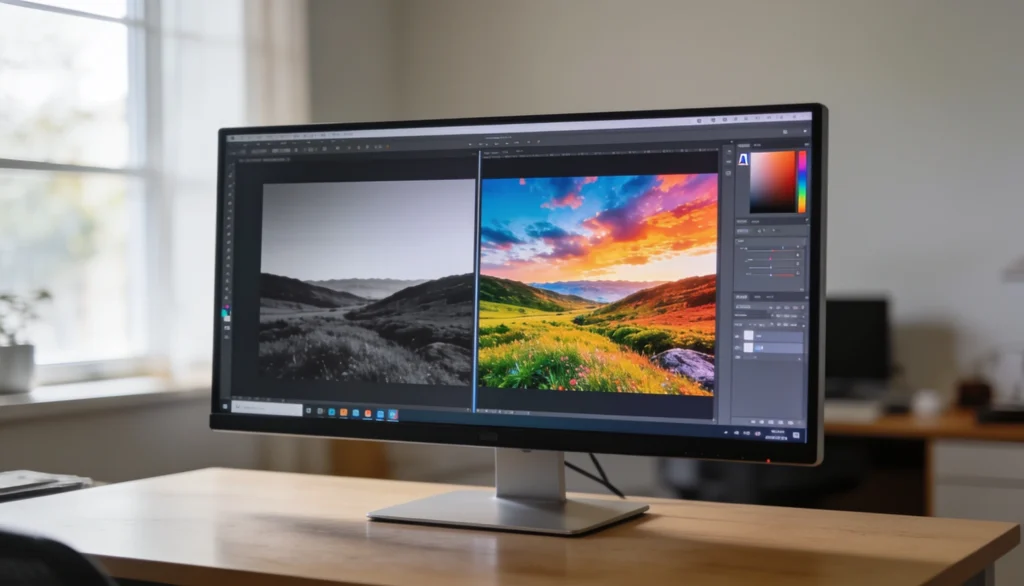
Traditional photography and AI photography may produce similar images, but they work in very different ways. Traditional photography relies on a camera, lens, sensor, and the photographer’s skill to capture a real scene. AI photography uses machine learning and computer vision to analyze, enhance, or even generate images automatically.
Here is a breakdown table:
| Feature | Traditional Photography | AI Photography |
|---|---|---|
| Image Source | Captures a real scene through a camera lens and sensor. | Enhances existing photos or generates new images using AI models. |
| Creative Control | The photographer makes most decisions manually. | AI assists or automates many creative and technical decisions. |
| Editing Process | Requires manual adjustments in editing software. | Uses algorithms to apply intelligent edits automatically. |
| Technical Skills Needed | Requires knowledge of exposure, lighting, focus, and composition. | Easier for beginners because AI handles many technical tasks. |
| Speed | Shooting and editing can take significant time. | Shooting and editing can take significant time. |
| Equipment Dependence | Depends heavily on cameras, lenses, and lighting gear. | Often requires only software and a device to run it. |
| Image Generation | Cannot create a scene that was never photographed. | Can generate photorealistic images from text prompts. |
| Best Use Cases | Weddings, journalism, events, sports, and documentary work. | Content creation, product visuals, concept art, and rapid image editing. |
How Does AI Photography Work?
AI photography uses several technologies that work together to understand, improve, and create images. Instead of following fixed rules, AI learns from large image datasets and applies that knowledge to new photos.
Here’s a simple breakdown of what happens behind the scenes:
- Machine Learning
Machine learning is the technology that allows AI systems to learn from data instead of following fixed instructions. In AI photography, models are trained on millions of images to recognize patterns, styles, and visual elements.
For example, machine learning helps AI understand:
- What a human face looks like
- How different lighting conditions affect a photo
- The difference between a portrait and a landscape
- Common editing styles photographers use
- Which image adjustments improve overall quality
As the model processes more data, it becomes better at making accurate edits, recommendations, and image enhancements.
- Computer Vision
Computer vision gives AI the ability to “see” and understand images. It analyzes pixels, shapes, colors, textures, and spatial relationships to identify what appears in a photo.
This technology helps AI detect:
- People and facial features
- Animals and objects
- Landscapes and buildings
- Backgrounds and foreground subjects
- Text, shapes, and visual details
Computer vision powers many popular features, including face detection, object removal, background replacement, and automatic subject selection.
- Neural Networks
Neural networks are advanced algorithms designed to process information in a way that loosely mimics how the human brain learns patterns. They form the foundation of most modern AI photography tools.
Neural networks help AI:
- Recognize complex image patterns
- Detect edges, textures, and details
- Analyze image quality
- Improve sharpness and clarity
- Generate realistic visual content
The deeper the network, the more accurately it can understand and process visual information.
- Generative AI
Generative AI goes beyond editing existing photos. It can create entirely new images based on a text description, reference image, or creative prompt.
For example, if you enter:
“A luxury beach resort at sunset with palm trees and crystal-clear water”
The AI can generate a brand-new image that matches the description.
Popular generative AI tools include:
- Midjourney
- DALL-E
- Stable Diffusion
These systems use advanced neural networks called diffusion models and large-scale image datasets to create realistic, artistic, or highly detailed visuals within seconds.
How to Utilize AI in Photography?
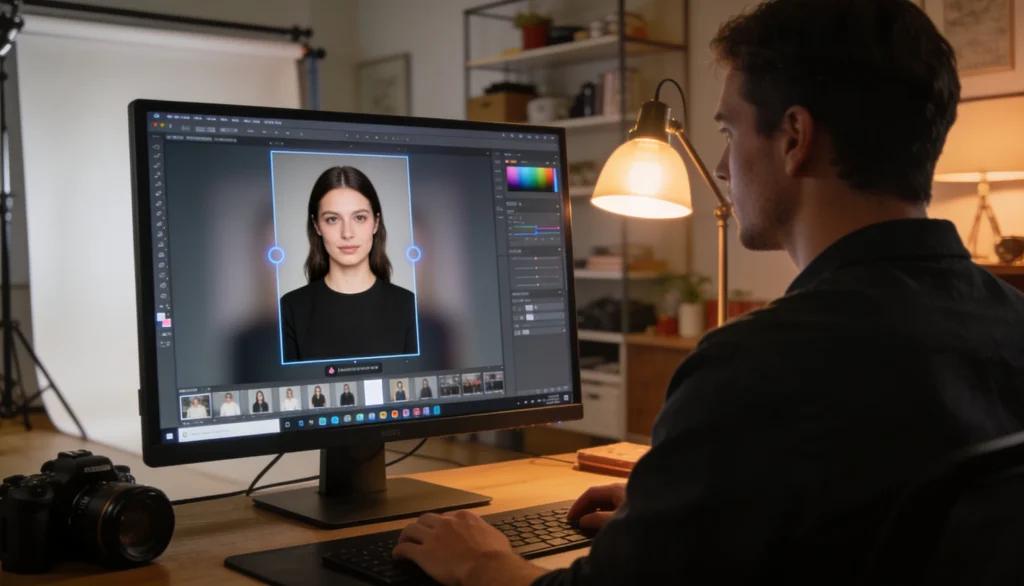
The real benefit of AI in photography is not that it creates images. It is that it helps photographers work faster and more efficiently.
A wedding photographer may need to sort thousands of photos after a single event. A product photographer may need to remove backgrounds from hundreds of images. A retoucher may spend hours masking subjects or correcting exposure. AI can automate many of these tasks in minutes while maintaining consistent results.
When used correctly, AI becomes a workflow tool rather than a creative replacement. It handles repetitive technical work so photographers can focus on capturing better images and delivering stronger visual stories.
Photographers use AI in many different ways throughout the image creation and editing process. Here are some of the most practical applications:
- Automatically cull and sort photos to identify the best shots from large image collections.
- Enhance image quality by reducing noise, improving sharpness, and correcting exposure.
- Remove or replace backgrounds without spending hours creating manual selections.
- Retouch portraits faster by smoothing skin, removing blemishes, and enhancing facial features.
- Generate product photography variations for e-commerce stores and marketing campaigns.
- Restore old or damaged photographs by repairing scratches, fading, and missing details.
- Create visual concepts and mood boards before investing in a full photoshoot.
- Remove unwanted objects and distractions from images with minimal manual editing.
- Improve low-light photos using AI-powered noise reduction and detail recovery.
- Apply consistent edits across multiple images to maintain a unified visual style.
- Generate image captions, keywords, and metadata for better organization and searchability.
- Experiment with different creative styles without permanently altering the original image.
What are the Types of AI Photography
AI photography is not a single technology. It includes several tools and techniques that help create, improve, or transform images. Some AI systems work with existing photos, while others can generate entirely new visuals from scratch.
Here are the following types of AI photography:
- AI Photo Editing
AI photo editing uses machine learning algorithms to analyze an image and make intelligent adjustments automatically. Instead of editing every detail by hand, you can let AI handle repetitive tasks in seconds.
AI-powered editors can:
- Adjust exposure and brightness
- Improve colors and white balance
- Sharpen important details
- Remove unwanted objects or distractions
- Smooth skin while preserving natural textures
- Select subjects and backgrounds automatically
These tools help photographers and content creators save time while maintaining consistent image quality.
- AI Image Enhancement
AI enhancement tools improve image quality without requiring advanced editing skills. They analyze image data, identify imperfections, and rebuild missing details using trained AI models.
Enhancement tools can:
- Upscale low-resolution images without significant quality loss
- Reduce blur and image noise
- Restore old or damaged photographs
- Improve sharpness and texture
- Enhance facial features and fine details
- Increase overall clarity and visual appeal
These tools are commonly used for photo restoration, social media content, and commercial photography.
- AI Background Generation
AI can identify the main subject in a photo and separate it from the background. It can then remove, replace, or generate a completely new background that matches the scene.
Common applications include:
- Product photography
- E-commerce product listings
- Real estate marketing
- Social media content
- Advertising campaigns
For example, a product photographed on a simple white surface can instantly appear in a luxury living room, modern office, or outdoor setting without a new photoshoot.
- AI Image Generation
AI image generation creates completely new visuals from text descriptions, often called prompts. These systems use advanced generative AI models trained on large datasets of images and visual patterns.
For example, if you enter:
“A professional portrait of a business owner in a modern office.”
The AI interprets the prompt and generates a unique image that matches the description.
Image generation tools can create:
- Portraits
- Product concepts
- Marketing visuals
- Digital artwork
- Architectural renders
- Social media graphics
This technology allows creators to visualize ideas quickly without using a camera.
- Computational Photography
Computational photography combines camera hardware with AI software to improve image quality during or immediately after capture. Most modern smartphones rely heavily on this technology.
Common examples include:
- Portrait Mode for background blur effects
- Night Mode for brighter low-light photos
- Scene Recognition for automatic camera adjustments
- HDR Processing for balanced highlights and shadows
- AI Zoom for sharper distant subjects
- Face Detection for improved portraits
Instead of relying solely on the camera sensor, computational photography uses AI to process multiple images and create a better final result.
Popular AI Photography Tools
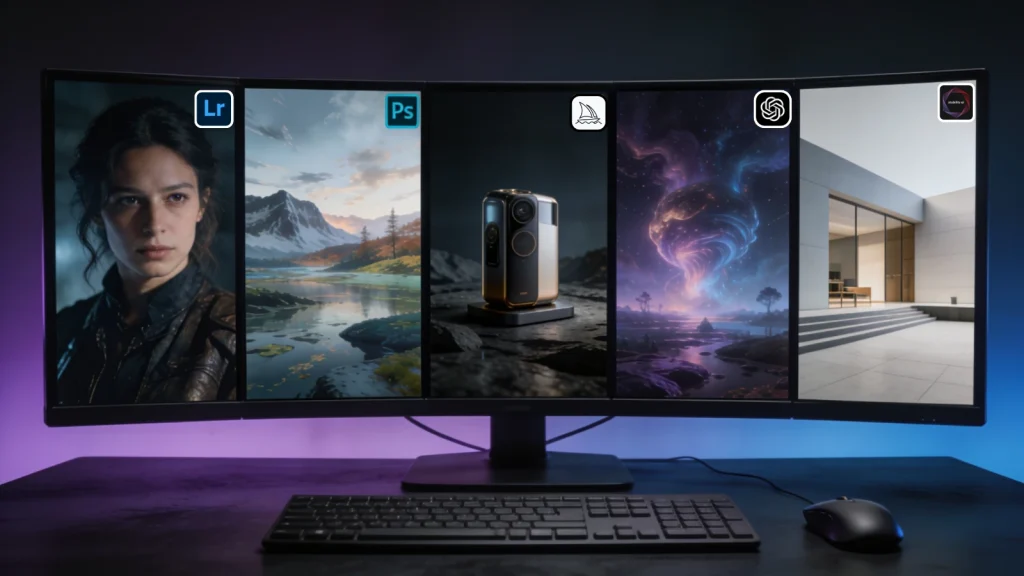
Today, AI photography tools can help with everything from basic photo editing to creating entirely new images. Some focus on enhancing real photographs, while others specialize in generating visuals from text prompts.
Here are some popular AI photography tools:
Adobe Photoshop AI
Adobe Photoshop integrates AI through its Firefly technology, making complex edits faster and more accessible.
Key features include:
- Generative Fill for adding, removing, or replacing objects
- AI-powered object removal
- Background replacement and extension
- Automatic selections and masking
- Content-aware image editing
Best for: Professional photo editing, retouching, and creative image manipulation.
Adobe Lightroom AI
Adobe Lightroom uses AI to simplify photo organization and editing while maintaining natural-looking results.
Key features include:
- Automatic masking for subjects, skies, and backgrounds
- AI-powered subject detection
- Smart exposure and color adjustments
- Noise reduction for low-light photos
- Portrait enhancement tools
Best for: Photographers who need fast and consistent photo editing workflows.
Midjourney
Midjourney is one of the most popular AI image generators. It transforms text prompts into highly detailed and visually striking images.
Key features include:
- Photorealistic image generation
- Artistic and cinematic styles
- Advanced lighting and composition rendering
- High-quality concept visualization
Best for: Creative professionals, designers, marketers, and digital artists.
DALL-E
DALL-E can generate images directly from natural language descriptions. It is known for accurately interpreting prompts and creating realistic visual content.
Key features include:
- Text-to-image generation
- Image editing and inpainting
- Style variations and creative concepts
- Detailed scene creation from simple prompts
Best for: Content creation, marketing visuals, concept development, and creative experimentation.
Stable Diffusion
Stable Diffusion is an open-source AI image generator that gives users greater flexibility and customization.
Key features include:
- Text-to-image generation
- Local installation and control
- Custom AI model training
- Advanced prompt customization
- Image-to-image transformations
Best for: Users who want more control over image generation and AI workflows.
Benefits of Using AI Photography
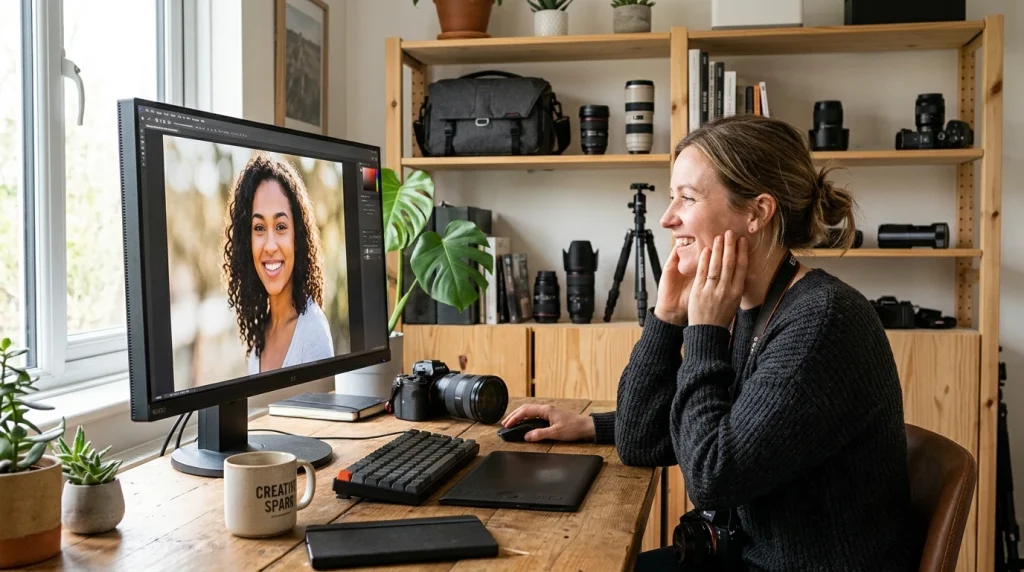
AI photography does more than automate editing tasks. It helps photographers, businesses, and content creators work faster, reduce costs, and bring ideas to life with less effort. By handling many technical processes automatically, AI allows users to focus more on creativity and visual storytelling.
Here are some of the following benefits of using AI photography:
Faster Editing
AI can complete complex editing tasks in seconds that would normally take minutes or even hours.
Benefits include:
- Automatic exposure and color correction
- Instant background removal
- One-click object removal
- AI-powered noise reduction
- Smart subject and sky masking
This helps photographers deliver projects faster without sacrificing quality.
Increased Creativity
AI can act as a creative partner by helping users explore new ideas and visualize concepts quickly.
AI can help with:
- Generating creative image concepts
- Testing different visual styles
- Creating mood boards and mockups
- Exploring compositions before a photoshoot
This allows creators to spend more time developing ideas and less time on technical execution.
Lower Costs
Traditional photoshoots often require equipment, locations, props, and post-production work. AI can reduce many of these expenses.
For businesses, AI can:
- Generate product mockups
- Create marketing visuals
- Produce multiple image variations
- Reduce editing and production costs
This makes high-quality visual content more accessible to small businesses and startups.
Accessibility
AI lowers the barrier to entry for photography and image editing.
Even beginners can:
- Improve photos with minimal experience
- Create professional-looking visuals
- Edit images without advanced software knowledge
- Learn photography workflows more quickly
As a result, more people can create quality visual content without years of technical training.
Improved Productivity
Many photography workflows include repetitive tasks that consume valuable time. AI can automate these processes and improve overall efficiency.
Common productivity benefits include:
- Faster image selection and sorting
- Automated keyword tagging
- Batch editing across hundreds of images
- Reduced manual retouching work
This gives photographers more time to focus on client projects, creative direction, and business growth.
Better Image Quality
AI can analyze image data at a pixel level and make intelligent improvements that are difficult to achieve manually.
These improvements may include:
- Sharper details
- Cleaner low-light images
- Improved dynamic range
- Better color accuracy
- Enhanced facial features and textures
This helps produce more polished and visually appealing images.
Limitations of AI Photography
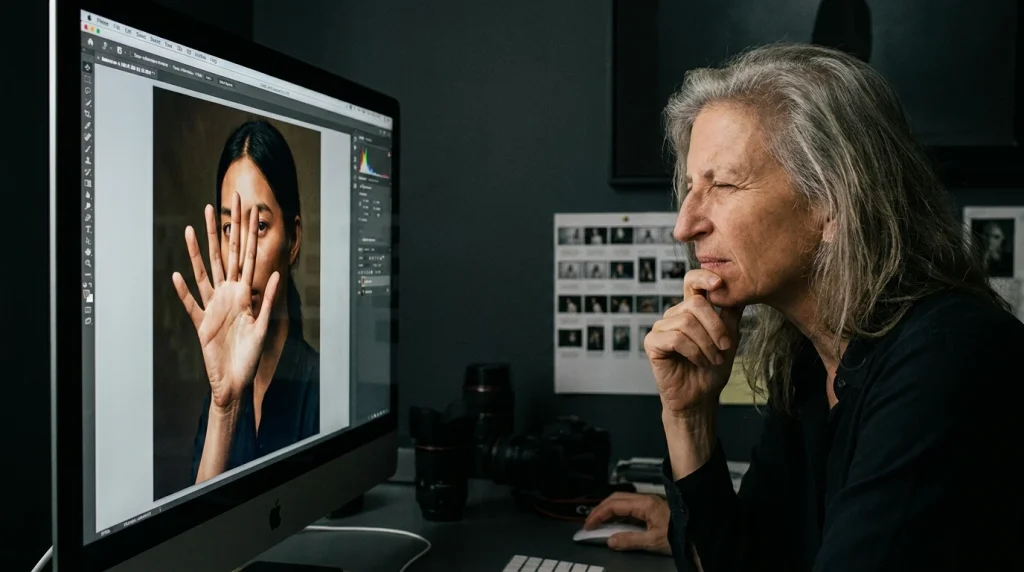
While AI photography offers many benefits, it is not perfect. Like any technology, it has limitations that photographers, businesses, and content creators should understand before relying on it. Knowing these challenges can help you use AI more effectively and avoid common mistakes.
Here are the following limitations of AI photography:
Authenticity Concerns
Traditional photography captures real people, places, and moments. AI-generated images, on the other hand, can create scenes that never existed.
This creates challenges in areas where authenticity matters, such as:
- Journalism
- Documentary photography
- News reporting
- Historical records
As AI-generated images become more realistic, it becomes harder to distinguish between real and synthetic content.
Copyright and Ownership Issues
The legal landscape around AI-generated content is still evolving. Questions remain about who owns an image when an AI system helps create it.
Common concerns include:
- Copyright ownership
- Commercial usage rights
- Training data transparency
- Intellectual property disputes
As regulations continue to develop, creators should review licensing terms before using AI-generated images commercially.
Accuracy Issues
AI can produce impressive results, but it does not always get everything right. Since AI generates content based on patterns rather than real understanding, mistakes can still occur.
Common AI errors include:
- Extra fingers or limbs
- Distorted facial features
- Unrealistic reflections
- Incorrect text rendering
- Misplaced objects and shadows
For professional work, human review remains essential.
Ethical Challenges
AI photography raises important ethical questions about how images are created, shared, and used.
Key concerns include:
- Disclosure of AI-generated content
- Deepfakes and manipulated media
- Misinformation and fake visuals
- Artist rights and compensation
- Consent and privacy issues
These concerns have sparked ongoing discussions among photographers, technology companies, and policymakers.
Reduced Creative Control
Although AI can automate many tasks, it does not always understand your creative intent. Automated edits may produce results that look technically correct but fail to match your vision.
As a result, photographers often need to:
- Refine AI-generated outputs
- Adjust AI edits manually
- Experiment with multiple prompts
- Apply personal creative judgment
AI works best as a creative assistant rather than a complete replacement for human decision-making.
Dependence on Technology
Overreliance on AI can limit the development of core photography skills. Beginners who depend entirely on automation may miss opportunities to learn important concepts such as:
- Composition
- Lighting
- Exposure
- Color theory
- Visual storytelling
Understanding these fundamentals remains valuable, even in an AI-driven workflow.-
Can AI Replace Photographers?
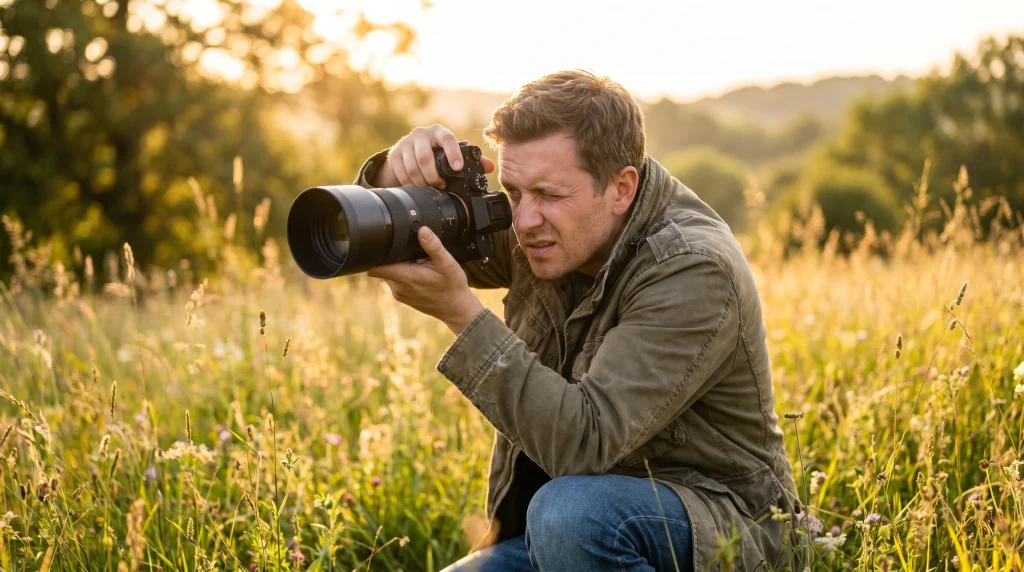
The short answer is no.
AI can automate many technical tasks, including image enhancement, background removal, color correction, and even image generation. Modern AI models can analyze visual data, recognize patterns, and produce realistic images in seconds. However, photography is about much more than creating a visually appealing image.
Professional photographers bring qualities that AI cannot replicate, such as:
- Creative direction
- Storytelling and visual narrative
- Human connection and communication
- Real-world experience
- Emotional awareness
- The ability to adapt to unpredictable situations
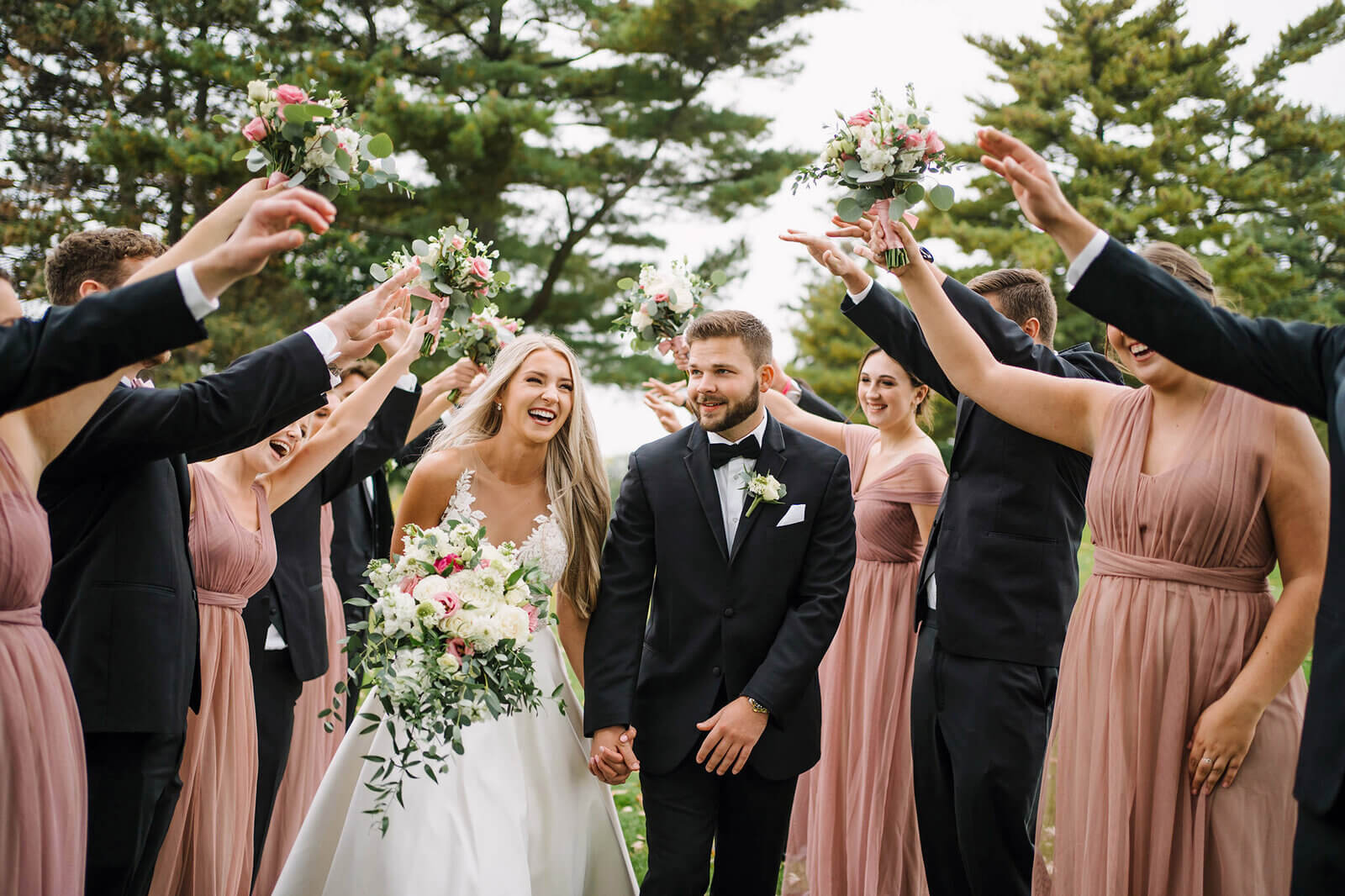
For example, AI can generate a realistic image of a wedding based on a text prompt. However, it cannot attend the event, anticipate meaningful moments, interact with people, manage changing lighting conditions, or capture genuine emotions as they happen.
AI also lacks personal perspective. It learns from existing data and patterns, while photographers create images based on their experiences, artistic vision, and understanding of the moment.
How Beginners Can Start Using AI Photography
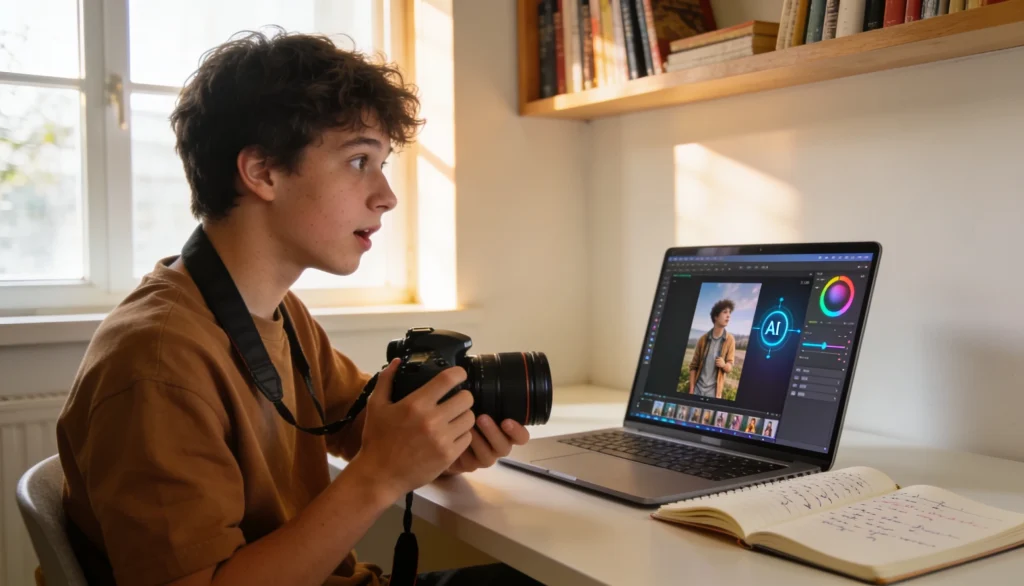
Getting started with AI photography is easier than ever. You do not need advanced technical skills or expensive equipment to begin. The best approach is to learn the basics of photography first and then use AI tools to improve your workflow. This helps you understand what the AI is doing and gives you more control over the final result.
Here is a step-by-step process for doing AI photography:
Step 1: Learn Basic Photography Principles
Before using AI tools, take some time to understand the fundamentals of photography. AI can improve an image, but it cannot always fix a poorly captured photo.
Focus on learning:
- Composition and framing
- Natural and artificial lighting
- Exposure and contrast
- Focus and depth of field
- Color and white balance
These skills will help you create stronger images before AI editing begins.
Step 2: Experiment With AI Editing
Once you understand the basics, start exploring AI-powered editing software. Many tools offer one-click enhancements that can dramatically improve image quality.
Begin with features such as:
- AI noise reduction
- Automatic exposure correction
- Background removal
- Sky replacement
- Object removal
- Smart color enhancement
As you experiment, compare the original image with the AI-edited version to see how each adjustment affects the final result.
Step 3: Try AI Image Generation
Next, try creating images with AI image generators. These tools use text prompts to generate visual content from scratch.
Start with simple prompts such as:
- “A professional portrait in natural light”
- “A modern office workspace”
- “A luxury product on a white background”
As you gain experience, you can write more detailed prompts to control lighting, composition, camera angles, colors, and image styles
Step 4: Compare Results
One of the best ways to learn is by comparing different approaches to image creation.
Study the differences between:
- Traditional photographs
- AI-enhanced photographs
- AI-generated images
Pay attention to details such as realism, lighting, textures, shadows, and overall image quality. This will help you understand where AI performs well and where human creativity still plays a crucial role.
Step 5: Develop a Hybrid Workflow
Most professionals do not rely entirely on AI or traditional photography. Instead, they combine both to achieve better results.
A simple hybrid workflow might look like this:
- Capture the image with a camera or smartphone.
- Use AI tools for image selection and basic enhancements.
- Apply manual edits for creative control.
- Use AI for repetitive tasks such as masking, retouching, or background removal.
- Review the final image before publishing or delivering it.
This approach combines the efficiency of AI with the creativity and judgment of a photographer.
When Should and Should Not You Use AI Photography?
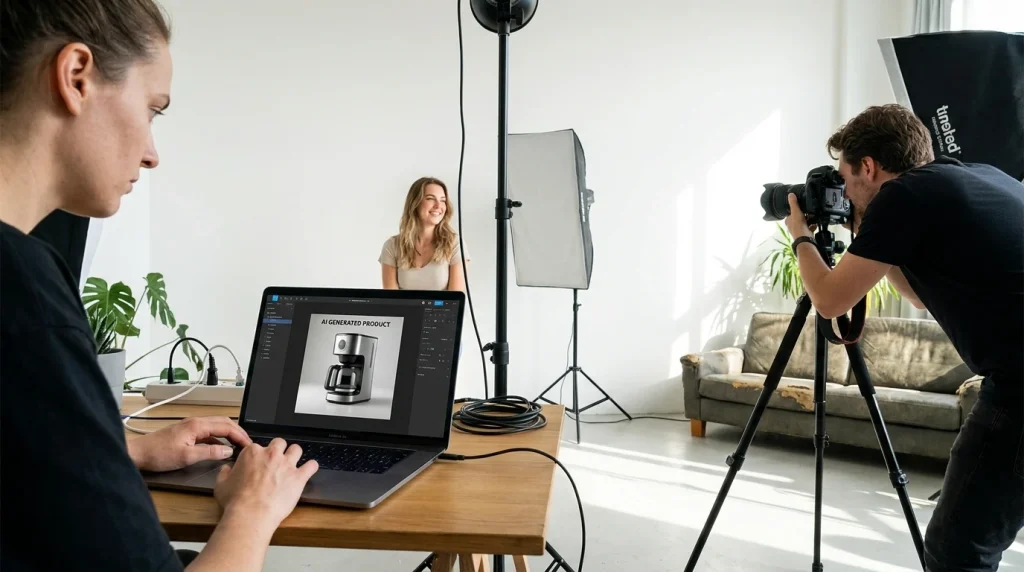
AI photography is a powerful tool, but it is not the best solution for every situation. In some cases, AI can save time, reduce costs, and speed up creative workflows. In others, traditional photography remains the better choice because it captures real moments, emotions, and experiences. Understanding when to use AI and when to rely on a camera will help you get the best results while maintaining quality and authenticity.
Here is a comparison table to get a clear understanding:
| Use AI Photography When… | Avoid AI Photography When… |
|---|---|
| You need quick visual concepts or creative mockups. | You need to document a real event or moment. |
| You want to speed up editing and post-production workflows. | Authenticity and factual accuracy are ূessential. |
| You need multiple product image variations for marketing campaigns. | Human emotions and genuine interactions are the focus. |
| You are restoring old, damaged, or low-quality photos. | You are shooting weddings, events, or documentary projects. |
| You need backgrounds, props, or environments generated digitally. | Clients expect original photographs of real products, people, or locations. |
| You want to create content before investing in a full photoshoot. | Brand trust depends on showing real experiences and real people. |
| You need social media, advertising, or concept visuals quickly. | Legal, journalistic, or historical accuracy is required. |
| You want to automate repetitive editing tasks such as masking or object removal. | The goal is to capture unique moments that cannot be recreated. |
The Future of AI Photography
AI is transforming how photographers work by reducing the time spent on repetitive editing and post-production tasks. As the technology advances, photographers will be able to streamline their workflows, improve efficiency, and focus more on creativity and visual storytelling.
In the coming years, we can expect several major developments:
- More realistic AI-generated images with fewer visual errors
- Faster and more accurate photo editing workflows
- Smarter image enhancement and restoration tools
- Improved mobile photography powered by on-device AI processing
- Advanced personalization based on user preferences and editing styles
- Better subject recognition, scene analysis, and automated adjustments
- More seamless integration between cameras, editing software, and AI assistants
Future AI tools may also understand creative intent more effectively. Instead of simply following instructions, they could analyze composition, lighting, color harmony, and visual storytelling to provide more relevant editing suggestions.
Frequently Asked Questions (FAQ)

How does AI photography work?
AI photography works by training algorithms on large datasets of images. These systems learn to recognize patterns, objects, colors, lighting conditions, and compositions. When processing a photo, AI analyzes the image data and applies intelligent adjustments or generates new visual content based on what it has learned.
Is AI photography real photography?
AI-assisted photography often uses real photographs captured by a camera and then enhanced with AI tools. AI-generated images, however, may be entirely synthetic and created without a camera. Whether AI-generated visuals qualify as photography remains a topic of debate within the photography industry.
What is the difference between AI-generated and AI-edited images?
AI-generated images are created from scratch using text prompts or other inputs. AI-edited images start with an existing photograph and use artificial intelligence to improve or modify the image. In simple terms, one creates new content while the other enhances existing content.
Can beginners use AI photography?
Yes, beginners can easily use AI photography tools. Many modern applications include one-click features for editing, background removal, image enhancement, and object removal. These tools reduce the technical learning curve and make photography more accessible to new users.
What are the benefits of AI photography?
AI photography helps users edit images faster, improve image quality, automate repetitive tasks, and explore new creative ideas. It can reduce production costs, increase efficiency, and make professional-quality editing accessible to photographers of all skill levels.
What are the limitations of AI photography?
AI photography can produce inaccurate details, unrealistic objects, and visual artifacts. It also raises concerns about authenticity, copyright ownership, misinformation, and ethical use. Human review is often necessary to ensure accuracy and maintain creative control.
Can AI replace photographers?
No, AI cannot fully replace photographers. AI can automate technical tasks and generate realistic visuals, but it cannot replicate human creativity, emotional intelligence, storytelling, or the ability to capture authentic real-world moments. Most experts believe AI will serve as a creative assistant rather than a replacement for professional photographers.
Is AI photography the future of photography?
AI is expected to play a major role in the future of photography. As AI technology improves, it will continue to enhance editing workflows, image generation, and smartphone photography. However, human creativity and artistic vision will remain essential, making AI a tool that complements photography rather than replacing it.
Conclusion
AI photography is transforming how images are created, edited, and shared. For beginners, understanding the difference between AI-assisted photography and AI-generated imagery is the first step toward using these tools effectively.
The most successful creators will not view AI as a replacement for photography. Instead, they will use it as a powerful tool that enhances creativity, speeds up workflows, and opens new possibilities.
If your workflow includes product images, commercial photography, or large-scale image editing, professional post-production support combined with AI-powered tools can help maintain both efficiency and image quality while preserving the authenticity that audiences value.