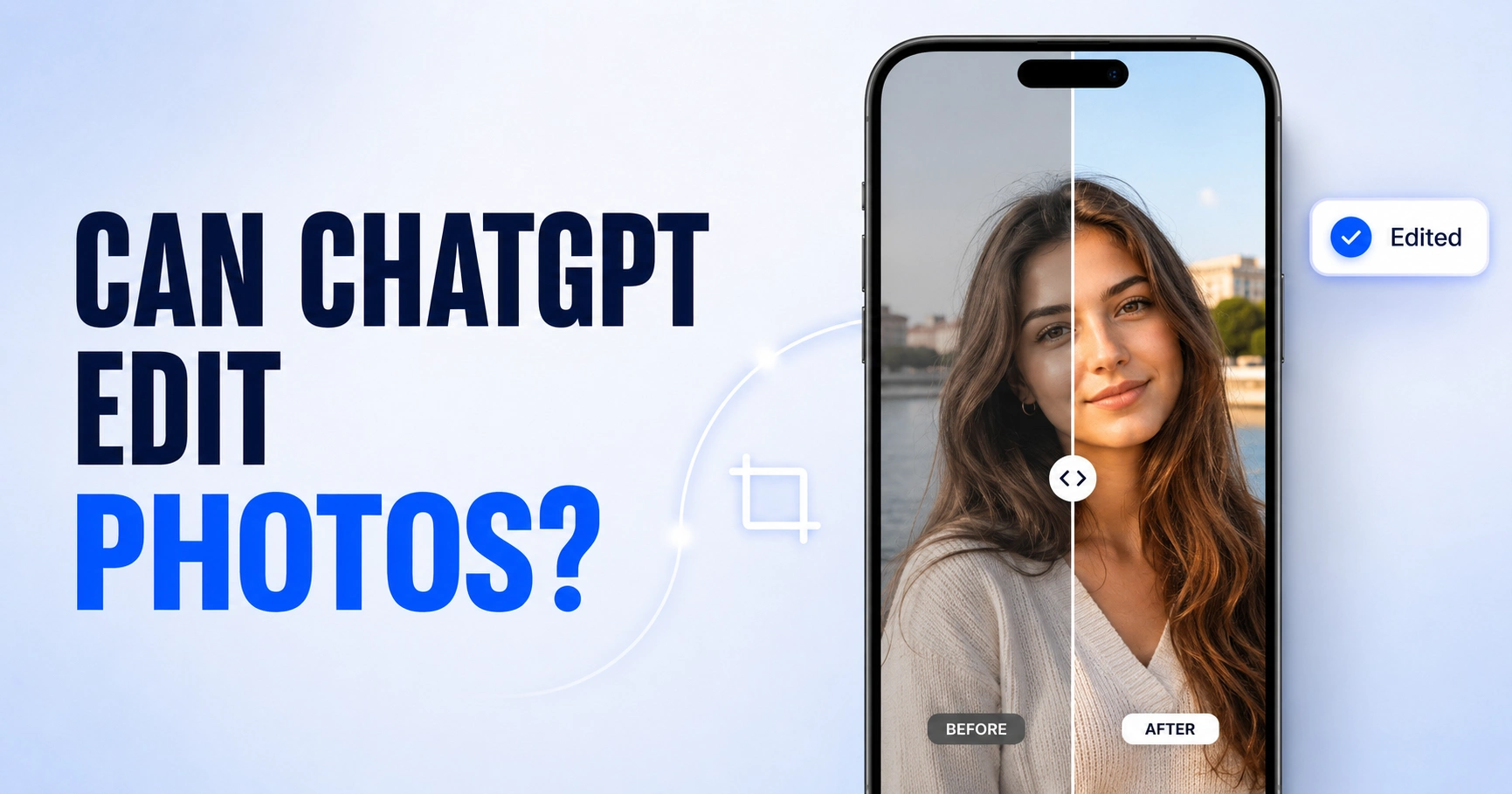
Yes, ChatGPT can edit photos. You upload an image, describe the change in plain words, and it hands back an edited version. No layers, no sliders, no software to learn first.
But that one-word answer hides the part that matters. ChatGPT does not edit your photo the way Photoshop does. Once you understand that difference, every strange result you have seen makes sense.
I have put this through real editing work, and the honest picture is mixed. Some tasks it handles beautifully. Others it quietly ruins while acting as if it succeeded.
Already know it works and just want results? Grab our tested library of ChatGPT photo editing prompts, sorted by task, style, and industry.
Can ChatGPT Edit Photos? The Short Answer
Yes. ChatGPT Images 2.0 is available on all tiers, including free accounts, across web, iOS, and Android, according to OpenAI’s own documentation. You upload a photo and describe the edit, or use the image selection tool to highlight one area first.
What changed recently matters now. There is now a built-in real editor with an image selection tool, undo and redo, and an aspect ratio picker. That is a shift from the early days, when it could only generate fresh images from text prompts.
The catch is significant. ChatGPT regenerates your image instead of editing its pixels. It behaves more like an AI image editing engine than a traditional photo editing tool.
What Can ChatGPT Edit?
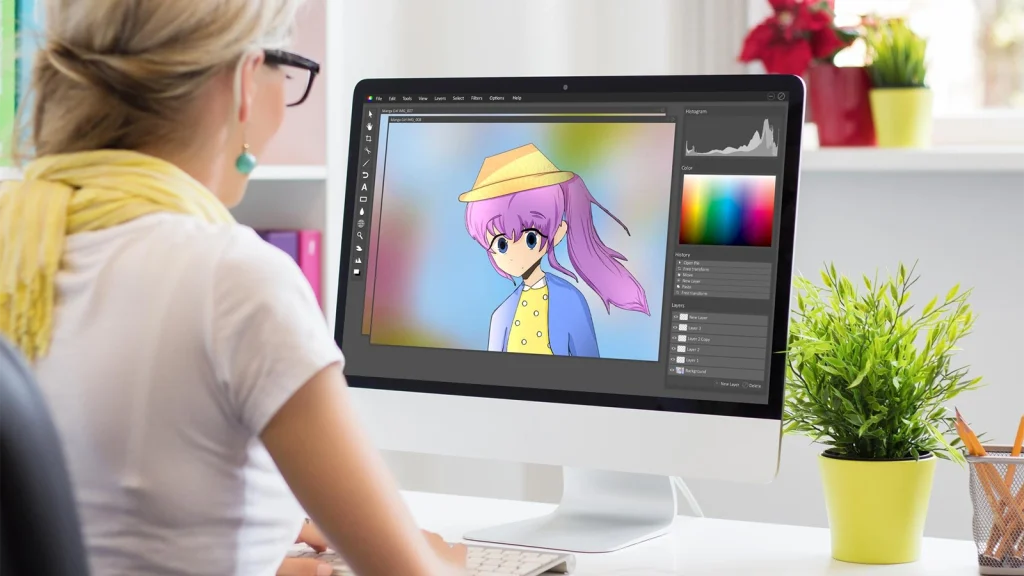
Here is the capability picture in one place, based on what holds up in testing rather than what the marketing suggests.
| Editing task | Supported? | What to expect |
|---|---|---|
| Remove objects | Yes | Reliable on simple, uncluttered scenes |
| Background swap | Yes | One of its strongest tasks by far |
| Remove people | Yes | Best when they do not overlap your subject |
| Style transfer | Yes | Turns photos into AI-generated artwork in seconds |
| Change clothing | Yes | Good results with detailed text prompts |
| Add in-image text | Yes | Much improved, but proofread every output |
| Change aspect ratio | Partly | Regenerates at the new ratio, not true canvas expansion |
| Colorize or restore | Partly | Plausible results, not historically accurate ones |
| Retouch blemishes | Partly | May alter facial structure while it works |
| Edit RAW files | No | Convert to JPEG or PNG first |
| Layer or PSD editing | No | No layers, masks, or non-destructive workflow |
| Batch editing | No | One image at a time inside the app |
On photo upload formats: JPEG, PNG, WebP, and non-animated GIF are supported, up to roughly 20MB per file. ChatGPT processes static images only, so video will not work. Native image editing currently works on still images rather than video files. HEIC files and RAW files from a full-frame camera need converting first. If the file extensions confuse you, our guide to the difference between JPG and JPEG sorts it out quickly.
The Two Things People Mean by “Editing”
Search this question, and you will find articles insisting ChatGPT cannot edit photos at all, sitting directly beside articles showing edits it made. Both are describing something real. They are answering different questions.
The first meaning treats ChatGPT as your editing advisor. You describe your photo, and it explains how to fix it in Adobe Lightroom or Photoshop, step by step. It never touches the file. That was the honest answer in 2023, and plenty of older articles have never been updated.
The second meaning treats ChatGPT as the editor itself. You upload the photo, describe the visual changes you want, and it returns an edited image. That is what almost everyone means today, and it works.
So when you ask whether ChatGPT can edit a photo for you, the answer is yes. Just know you are getting the second version, quirks included. It helps to understand what photo editing actually involves before judging the output too harshly.
How ChatGPT Edits Photos: Regeneration, Not Pixel Editing
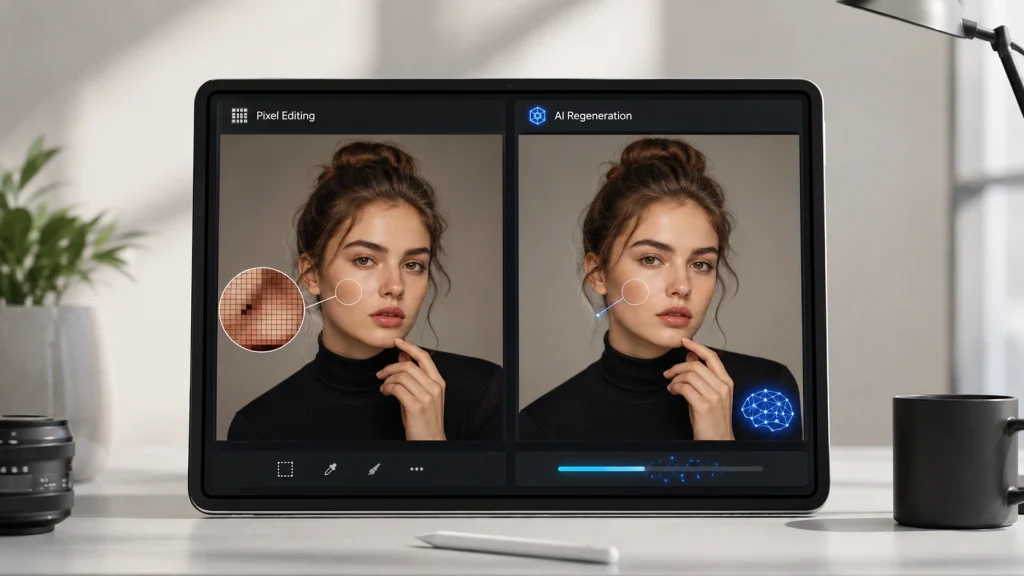
This one mechanic explains everything else here. Photoshop changes the pixels inside your file. ChatGPT does not. It reads your image, works out what is in it, then builds a new image designed to match your request.
That is pattern recognition doing a convincing impression of genuine understanding. The two are not the same. The model is not nudging your pixels; it is painting a replacement.
Unlike Photoshop, ChatGPT doesn’t expose direct pixel editing tools. Instead, it generates a new version of your image that reflects your instructions.
This is why faces drift. The model rebuilds facial structure from scratch on every pass, so unless you explicitly tell it to preserve your features, it will improve you into a stranger. It is also why in-image text gets garbled and small details wander off.
The image selection tool narrows the damage, and it does help. But OpenAI is refreshingly blunt in its own documentation: highlights are not always precise, and edits may extend beyond the area you selected. Even the vendor concedes you are not getting pixel-precise control.
What ChatGPT Does Well
Let me give credit where it is earned, because the skeptics oversell the failures.
Background swap and object removal are genuinely strong on clean scenes. Ask it to drop a cluttered background and place your subject on a white studio sweep, and it usually nails it fast.
Style transfer is where it shines. Turning a photo into AI-generated artwork, applying a visual style, or restyling a portrait takes seconds. Reference images help here, since you can show it the look instead of describing it.
It is also excellent for concepting. Testing ideas, mocking up social media formats, or exploring a direction before committing budget. Basic enhancement is fine within reason, though a truly blurry photo needs more than a hopeful prompt.
Where ChatGPT Still Falls Short
Precision Work
This is where the wheels come off. Hair, fur, lace, glass, and transparent objects defeat it consistently. Edges turn soft or hallucinated. Reflections on jewelry and polished metal are invented rather than preserved.
Anything needing a real cutout is a problem. The model has no concept of a path or a mask, so it approximates and hopes. Fine for a social post, fatal for a product catalog.
If edges matter, clipping path versus image masking explains why the distinction is not academic.
Consistency and Accuracy
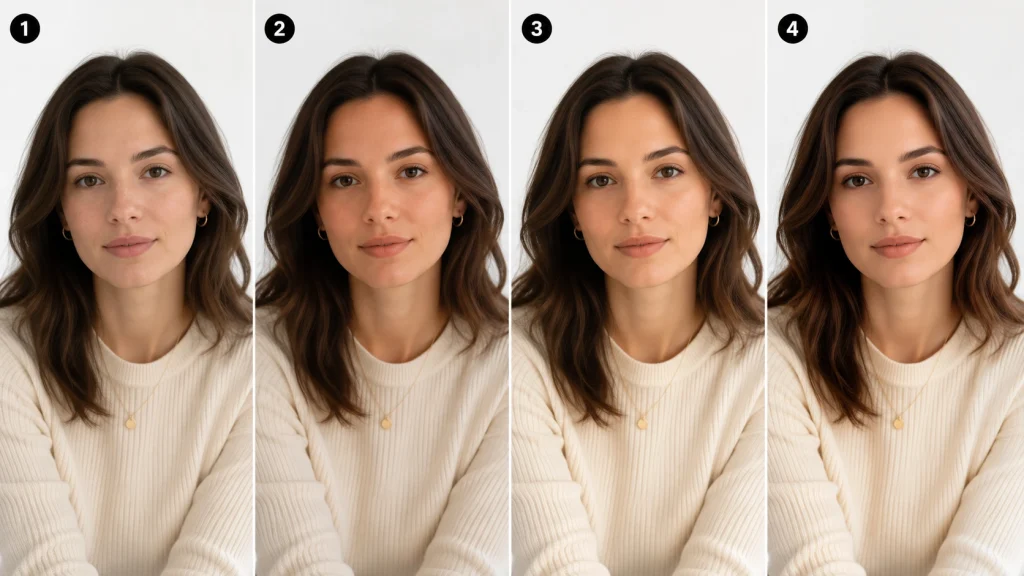
Identity drift is the most reported frustration by a wide margin. Faces shift subtly across regenerations even when your prompt says not to. That is not misbehaviour; it is the mechanic working as built.
The exact color is on another wall. The model produces pleasing color, not accurate color. If your brand red must match across a product line, prompt-based color grading will not hold it. Our breakdown of color grading versus color correction explains why those are two different jobs.
Batch consistency does not exist. Every image is a fresh roll of the dice, so ten product shots come back looking like ten different photographers shot them.
Then there is in-image text. Multilingual in-image text rendering has improved a lot, yet logos, typography style, and small print still garble often enough that you must check every output. Multiple faces in one frame compound every problem above. Content policy also blocks some requests outright, including copyrighted styles and certain edits involving real people.
Can ChatGPT Edit Photos for Free?
Yes. ChatGPT Images 2.0 is available on all tiers per OpenAI, so you do not need ChatGPT Plus to edit a photo. You sign up, upload, and describe changes.
Free comes with friction, though. Generations are capped and slower during busy hours, and free accounts in the US now see ads. Images with thinking, the more careful mode, is limited to Plus, Pro, and Business.
For casual edits, free is enough. For anything with a deadline, the caps will find you faster than you expect.
How Many Photos Can You Edit on ChatGPT?
Here is where I part company with most of the internet. You will find confident numbers everywhere: three a day on free, fifty every three hours on Plus, two hundred daily. Follow those figures back, and they lead almost entirely to services selling API access, which benefit from making OpenAI’s limits sound painful.
OpenAI does not publish an image cap. Its own guidance says practical capacity depends on the size of your image and the text alongside it, and it recommends reducing image count or size when things start failing.
So the honest answer depends on your plan, your file, and what you are asking for. A small crop costs far less than a complex multi-element rebuild. Token cost, image size, and plan limits all pull on the same rope.
Three things are actually useful to know:
- Edits count the same as new images. Every retry spends quota, so trial and error drains you faster than the final count suggests.
- Uploads and generations are separate ceilings. Most people conflate them. Files cap around 20MB each, however many edits you have left.
- The in-app message is your only real source of truth. When ChatGPT tells you to wait, that number beats any blog post, including this one.
Community reports cluster around a few images daily on free accounts and dozens per window on ChatGPT Plus. Treat those as unofficial. They shift with demand.
How to Edit a Photo in ChatGPT
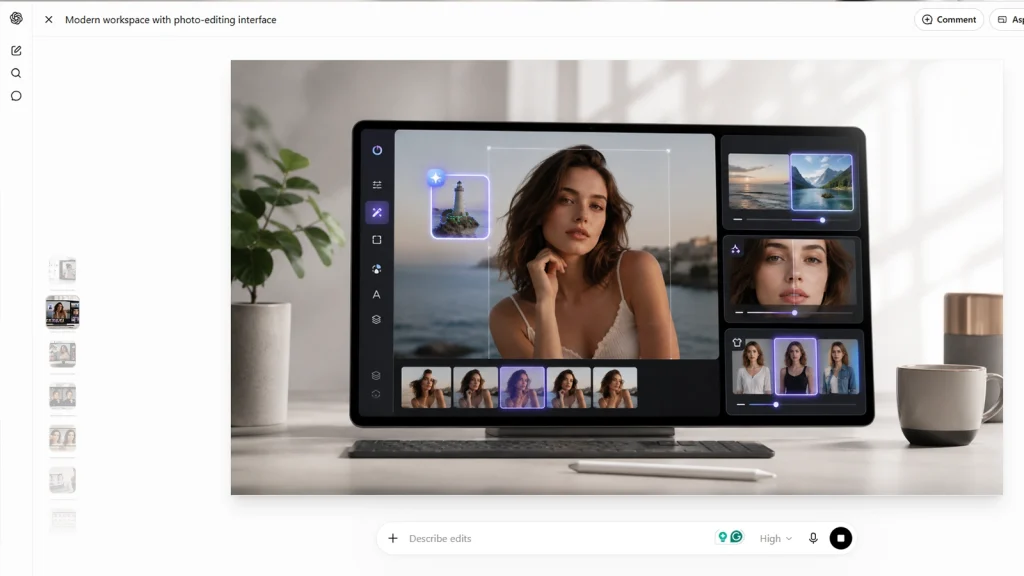
On Desktop
- Open a new chat, tap the plus icon, then choose Add photos & files. You can also drag the image in or paste it.
- Describe the edit in plain words, or select part of the image with the selection tool first to target one area.
- Review the result, then use Undo, Redo, or the aspect ratio picker in the editor to adjust before saving.
On the ChatGPT Mobile App
The workflow mirrors the desktop, handy since most casual edits happen on a phone. Tap an image to open the editor, choose Edit to describe changes, or tap Select and use the slider to size the selection tool. Both desktop and mobile versions handle the same tasks.
A few habits that lift your results immediately:
- Be specific. Vague requests get generic output.
- Say what to preserve, not just what to change.
- Change one thing per turn instead of stacking five.
- Upload the highest resolution you have.
- Iterate on the last result rather than rewriting from scratch.
Editing Photos in ChatGPT With the Adobe Connector
This is the part almost nobody covers, and it changes the answer to the question in the title.
Adobe now offers a connector that brings real Adobe tools inside ChatGPT, replacing the earlier Photoshop connector with a single Adobe connector. You connect it from the sidebar, upload an image, and describe the look you want, according to Adobe’s documentation.
What it unlocks differs from native editing. You can adjust color, lighting, and tone, remove distractions, replace backgrounds, apply presets, and crop, resize, or expand images. It also retouches in bulk, which native ChatGPT cannot do.
Which to use? Native editing for quick creative work, concepts, and style transfer. The connector when you want Adobe’s engine and more predictable, repeatable output. It supports English only.
And when is Photoshop itself still necessary? When you need layers, masks, and the pixel-precise control no prompt can deliver. That remains professional Photoshop work, and no connector changes it.
Does ChatGPT Keep Your Photos?
Worth answering before you upload a client’s files.
Images you create are saved automatically under Images. To delete one, you delete the conversation it came from. That surprises people expecting a delete button on the image itself.
On training, OpenAI’s data policy governs how content may be used to improve model performance, and it gives users choices about that. For ChatGPT Enterprise, OpenAI states it does not use content to train its models, so business tiers differ from personal ones here.
The rule I follow: do not upload anything confidential, sensitive, or covered by a client NDA.
Should You Use ChatGPT to Edit Photos?
It depends on who you are and what the image is for. Find yourself below.
| Who you are | Good fit? | Why |
|---|---|---|
| Casual user | Yes | Fast, free, and good enough for personal photos |
| Social creator | Yes | Built for trends, restyling, and social media formats |
| Small ecommerce seller | Maybe | Fine for concepts, risky for live product listings |
| Photographer | Maybe | Useful for ideas, not for client delivery |
| Designer | No | No layers, no precision, no real file control |
| Print production | No | Color accuracy and resolution will not hold up |
Against dedicated software, the gap is clearer still:
| Feature | ChatGPT | Photoshop | Lightroom | AI editors |
|---|---|---|---|---|
| Prompt-based editing | Yes | Partly | No | Yes |
| Layer editing | No | Yes | No | No |
| RAW support | No | Yes | Yes | Some |
| Batch editing | No | Yes | Yes | Some |
| Precision cutouts | No | Yes | No | Partly |
| Learning curve | None | Steep | Moderate | Low |
| Cost | Free tier | Subscription | Subscription | Varies |
If you are weighing the alternatives seriously, Photoshop versus Lightroom breaks down into which one suits your workflow.
Frequently Asked Questions
Can ChatGPT edit a photo for me?
Yes. Upload your image, describe the change, and it returns an edited version. You are not getting instructions to follow yourself; you are getting a finished image back. Just expect to iterate a few times.
Can ChatGPT edit RAW or HEIC files?
No, not directly. It handles JPEG, PNG, WebP, and non-animated GIF. Export your RAW or HEIC file to JPEG or PNG first, then upload that version instead.
Can ChatGPT edit multiple photos at once?
It works best with one or two per request. You can upload a small set and explain how they relate, but true batch editing is not supported. For volume work, the Adobe connector or dedicated software is far better.
Can ChatGPT edit screenshots?
Yes, and it is one of the more reliable uses. Screenshots are simple, flat, and compression-light. Just remember any in-image text may be rewritten during regeneration, so read it before sharing.
Does ChatGPT reduce image quality?
It can. Uploads get resized during processing, and the output is a newly generated image rather than your original file. Fine detail and texture often soften, which matters most on product and print work.
The Bottom Line
So, can ChatGPT edit photos? Yes, and better than the skeptics admit. It is a legitimate AI image editing tool that removes real friction for anyone who never wanted to learn Photoshop in the first place.
What it is not is a precision instrument. It regenerates rather than edits, which makes it brilliant for ideas and unreliable anywhere edges, color, or consistency get judged. Knowing that line saves you hours.
Need edges, color, and consistency that hold up to a client’s eye? See what real editing looks like with a free trial on your own photos.