
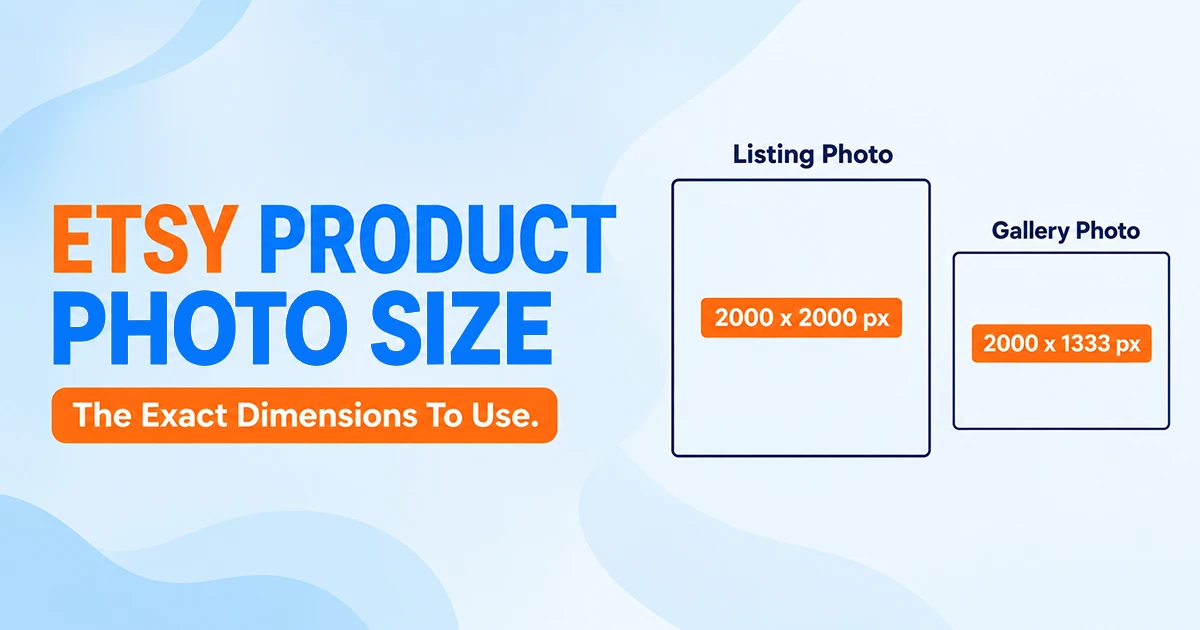
Your Etsy product photo size should be at least 2000 x 2000 pixels, both width and height, saved as a JPG, PNG, or GIF, and kept under 1MB. That’s the ideal Etsy product photo size we set as the floor for every listing we edit, whether it’s jewelry, prints, or handmade home goods.
Most guides phrase this as “2000px on the shortest side,” but Etsy’s own help center is more specific. It calls for width and height of at least 2000 pixels, not just one side. That distinction matters more than it might seem, especially if you’re still shooting rectangular product shots.
Backgrounds the only thing holding your listings back?
If a plain, distraction-free background is what’s actually costing you clicks, our background removal service handles that specifically, without bundling in edits you don’t need yet.
Here’s the best Etsy product photo size for every graphic your shop actually uses, at a glance.
| Image Type | Recommended Size |
|---|---|
| Listing photos | 2000 x 2000 px minimum (width and height) |
| Shop icon | 500 x 500 px |
| Profile photo | 400 x 400 px minimum, 500 x 500 px recommended |
| Team logo | 170 x 100 px |
| Order receipt banner | 760 x 100 px minimum |
| Mini shop banner | 1200 x 160 px minimum, 1600 x 213 px recommended |
| Big shop banner | 1200 x 300 px minimum, up to 3360 x 840 px |
| Carousel banner | 1200 x 300 px |
| Collage banner | 300 to 600 x 300 px, depending on image count |
What Is the Best Etsy Product Photo Size?
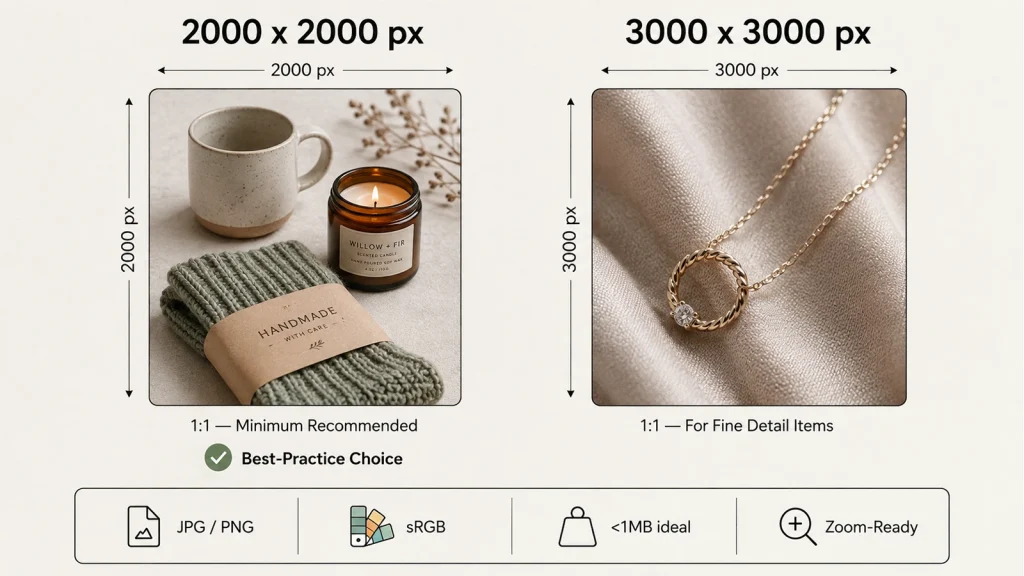
2000 x 2000 pixels square is where we land for almost every Etsy seller we work with. It clears Etsy’s stated minimum. From there, it holds up when a shopper zooms in, and it doesn’t need a second thought once it’s set as your default canvas.
If your current catalog photos fall short of that, our guide on how to resize an image without losing quality shows the safest way to get there without introducing blur.
Some sellers go bigger, closer to 3000 x 3000px, especially for jewelry, engraved items, or anything with fine texture buyers want to inspect closely, and our jewelry photo editing breakdown covers exactly which details are worth that extra resolution. More pixels give the zoom feature more to work with, though the gain past 3000px is barely visible on a screen.
Etsy’s zoom feature is really the whole reason this number exists. Below 2000px, product photos can look soft once a shopper clicks to zoom in, and that’s often the exact moment someone decides whether to trust a handmade seller enough to buy.
If you’re wondering what size Etsy product photos are supposed to be for your very first listing photo specifically, Etsy calls out one extra rule: it needs to be at least 635 x 635px just to avoid showing up lower in search. That’s well below the 2000px target, but worth knowing if a listing isn’t performing the way it should.
Square, Landscape, or 4:3? Etsy’s Aspect Ratio Reality
Here’s where a lot of Etsy product listing photo size advice gets shaky. Etsy doesn’t actually mandate a single aspect ratio. Its own help center recommends landscape or square for your first photo, but the platform crops that same image differently depending on where it’s displayed.
| Where It Shows Up | What You’ll See |
|---|---|
| Desktop search results | Square (1:1) crop |
| Etsy mobile app | Roughly 4:5 portrait crop |
| Shop Home page | Square (1:1) crop |
| Homepage and Gift Mode | Mixed: round, vertical, and tall crops |
| Full listing page (after click) | Your original uploaded photo, uncropped |
That inconsistency isn’t a guess, either. Etsy ran its own buyer test and found shoppers were more likely to purchase from a shop displaying square photos, which is why Shop Home and search results shifted to square crops. Etsy’s own advice since then has been to shoot photos that work for both a square and a rectangular crop, not just one.
In practice, that means framing your product with real breathing room on every side rather than filling the entire frame edge to edge. A 2000 x 2000px square photo with your product centered and enough margin survives almost every crop Etsy throws at it, on desktop, in the app, or on the homepage.
How Many Photos Can You Upload? (It’s Not 10 Anymore)
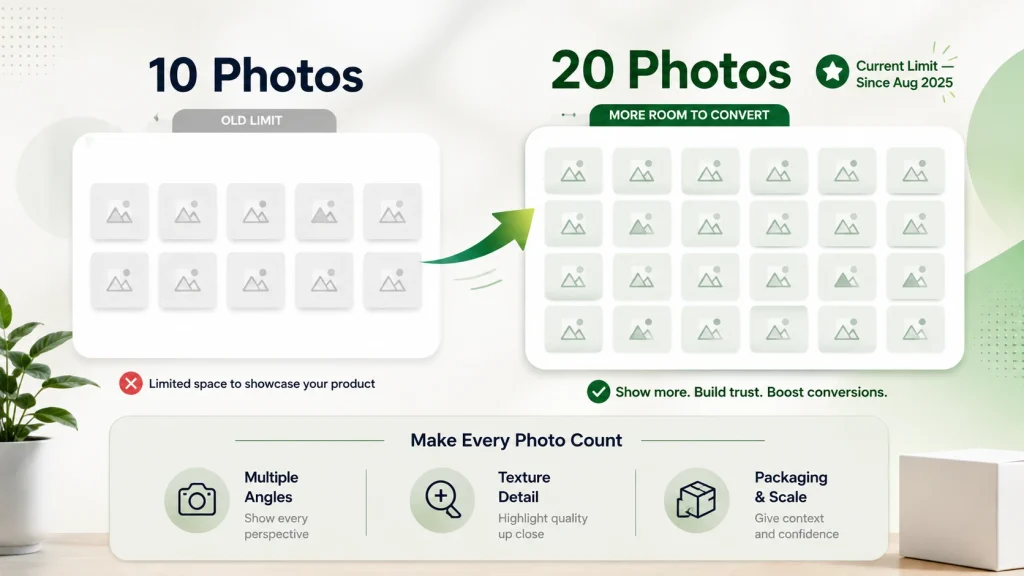
If you learned Etsy’s photo rules more than a year ago, this part will surprise you. Etsy quietly raised the listing photo limit from 10 to 20 in August 2025, confirmed directly in its own seller documentation, and a lot of guides still floating around online haven’t caught up.
You don’t need to fill all 20 slots for every listing. Our ecommerce photography guide breaks down which angles and shot types actually influence a buyer’s decision, if you’re not sure where to start.
Here’s a simple, useful pattern:
- Photo 1: a clean, centered hero shot, since this becomes your search thumbnail
- Photos 2 to 5: different angles, plus a close-up of texture or detail
- Photos 6 to 10: scale reference, packaging, and how it’s used or worn
- Remaining slots: only if you genuinely have more useful angles to add, like color or size variations
Higher-priced items generally benefit from using more of those slots, since buyers want more reassurance before spending more. A ten-dollar keychain rarely needs twenty photos to sell itself.
File Format, File Size, and the DPI Myth
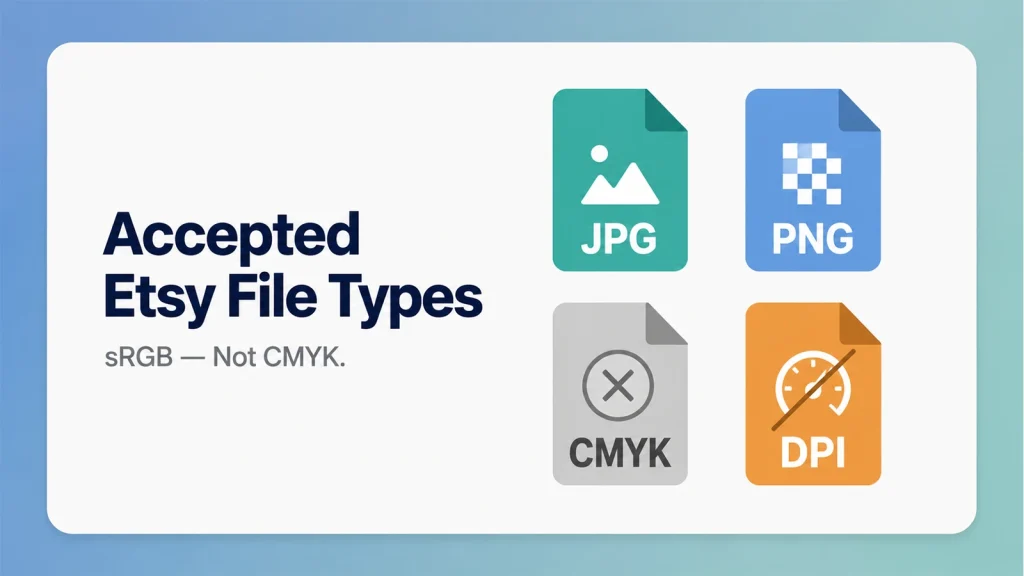
Etsy accepts JPG, PNG, GIF, SVG, and HEIC files, though for listing photos specifically, stick to JPG or PNG. Animated GIFs aren’t supported, and transparent PNGs will show up with a black background once they’re live on Etsy.
Our guide on how to remove background from image shows a cleaner way to handle it than fighting file formats after the fact, since this catches a lot of sellers off guard the first time it happens.
Color mode should be sRGB, not CMYK. CMYK is built for print, and if you upload a CMYK file, colors can shift noticeably, usually toward the wrong shade of red or blue, once Etsy converts it.
Etsy’s own guidance is to keep listing photos under 1MB, mainly so uploads don’t stall or fail on a slower connection. It’s a practical file size target tied to upload reliability, not a hard technical ceiling enforced at some other number.
One myth worth retiring: DPI, or PPI, doesn’t affect how sharp your photo looks online. That’s a print-era measurement. Whether an image is set to 72 DPI or 300 DPI makes zero visual difference on a screen; only pixel dimensions do. Setting a higher DPI just inflates your file size without adding sharpness, so don’t chase that number; chase 2000 x 2000px instead.
Common Etsy Photo Sizing Mistakes
- Uploading under 2000px and wondering why zoom looks blurry once the listing goes live
- Using Canva’s outdated built-in Etsy preset instead of a custom 2000 x 2000px canvas
- Uploading a transparent PNG and getting a black background on the live listing
- Cropping tight to the product edges, leaving no margin for Etsy’s automatic crops
- Sticking to 3 or 4 photos out of habit, when 20 slots are now available
- Chasing a higher DPI setting instead of focusing on actual pixel dimensions
FAQ
What are the Etsy product photo size requirements?
At least 2000 x 2000 pixels, both width and height, kept under 1MB in JPG or PNG format. That’s the core of Etsy’s product photo size requirements, and square works best since it survives the most crop variations across the platform.
Is it 2000 pixels on the shortest side, or both sides?
Both sides. Etsy’s own help center specifies width and height of at least 2000 pixels, which is stricter than the “shortest side” phrasing many guides use.
How many photos can I upload per Etsy listing now?
Up to 20, plus 2 videos, since Etsy raised the limit from 10 in August 2025. You don’t need to use every slot, just the ones that genuinely help a buyer decide.
Do Etsy photos need to be square?
Not strictly, but square is the safest choice since Etsy crops to square on desktop search and Shop Home. Landscape works too, as long as you leave enough margin around your product.
Does DPI matter for Etsy photos?
No. DPI only matters for print. Etsy’s displays are driven entirely by pixel dimensions, so 2000 x 2000px matters far more than any DPI setting.
In Fine
So, this is all about Etsy product photo size to use. Set your canvas to 2000 x 2000px once, and every listing photo you publish from here on will already be sized right.
If you’re struggling to manage your ecommerce product photos, Offshore Clipping is just one call away. Reach out to us with your project, and let’s talk.